What a masjid website needs, and what it can skip
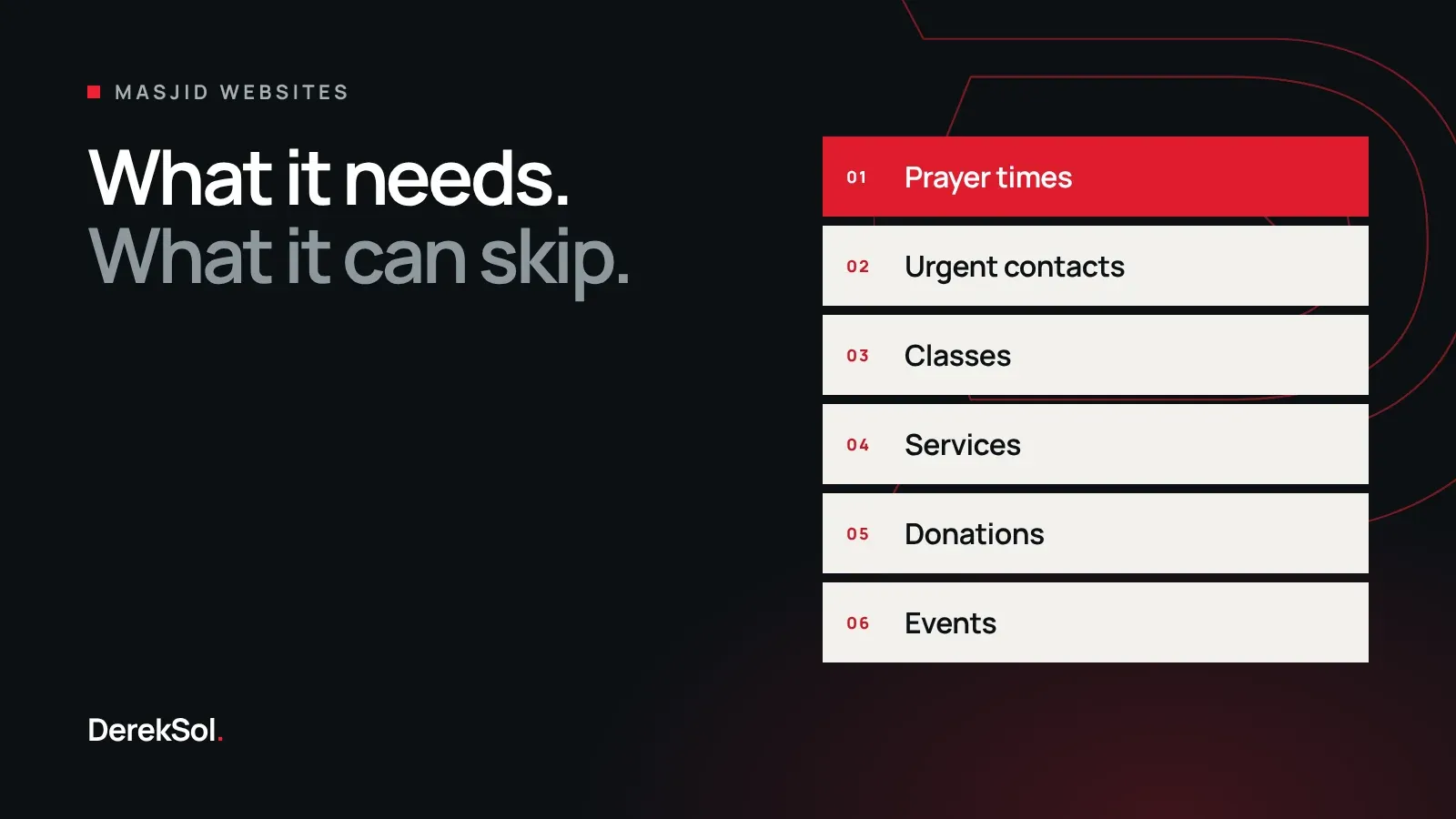
A practical checklist for masjid websites: prayer times, urgent contacts, classes, services, donations and events, in the order visitors look for them.
A masjid website has a harder job than most business websites. A shop sells one kind of thing. A masjid holds five prayers a day, runs classes for children and adults, marries people, buries people, feeds people, raises money and announces events, often with a small team of volunteers.
This guide is the checklist we work from. It comes from building the websites for Masjid Sunnah Nelson in Lancashire and Markaz Ibn e Masood Al-Islami in Lahore, and it is written for committee members and volunteers, not developers.
Start with why people visit
Before choosing colours or photos, write down the reasons someone opens the website. For most masjids the list looks like this, roughly in order of how often it happens:
- To check today’s prayer or Jumu’ah time.
- To find a phone number, often urgently.
- To find a class for a child or for themselves.
- To arrange a nikah, a funeral or another service.
- To donate.
- To see what is happening this week.
A good masjid website answers the first two without scrolling, and the rest within one tap or click.
Prayer times come first
Prayer times are the reason for most visits, so they belong at the top of the homepage, not on a separate page.
- Show the jama’ah time clearly, with the start time beside it. People come to the website to know when the congregation prays.
- Show Jumu’ah separately, with the khutbah time.
- Show today’s date in both the Gregorian and Hijri calendars.
- Link to a full monthly timetable that can be printed.
- Make sure the times are text, not a picture of a timetable. A picture cannot be read by a screen reader, cannot be searched, and is hard to read on a phone.
The times must also be easy for the masjid to update. If changing them needs a developer, they will be wrong within a month.
Put urgent contacts on every page
Some visits cannot wait. A family arranging a funeral should not have to hunt for a phone number. Put the urgent numbers, and a WhatsApp link if the masjid uses one, in a strip at the top of every page, and make them tappable so a phone can call directly.
Group everything else under plain headings
A masjid can easily have forty things to list. The menu should have about six. Headings that work well are the ones a visitor would say out loud:
| Heading | What goes under it |
|---|---|
| Prayer times | Today’s times, the monthly timetable, Jumu’ah, Eid |
| Learn | Children’s classes, adult classes, weekly lessons, recordings |
| Services | Nikah, funerals, support for new Muslims, Ramadan and i’tikaaf |
| Events | Upcoming events, announcements, conferences |
| Community | Food bank, volunteering, youth clubs |
| Donate | Each appeal on its own page |
Avoid internal names in the menu. A visitor may not know what a programme is called, but they know they are looking for “classes for teenagers”.
Make each service page answer the practical questions
A page for nikah or funeral services should say what the masjid offers, what the family needs to bring or arrange, how to book and who to call. Short, plain answers are a kindness to people who are often reading them at a difficult time.
Give each appeal its own donation page
One general “Donate” button is not enough if the masjid runs several appeals. Give each one, such as the building fund, zakat or the madrassah, its own page with a short explanation of what the money is for, and a clear button. If the masjid accepts regular monthly donations, say so.
Say plainly how donations are handled and which organisation receives them. People give more readily when they can see where the money goes.
What a masjid website can skip
- A long history on the homepage. Put it on an About page.
- A photo slider. One strong photograph does more than five that rotate.
- Sections nobody will update. An events page showing last year’s events makes the whole site look abandoned. Publish only what someone has agreed to maintain.
- Pop-ups. A visitor checking the Maghrib time does not want to close a window first.
Before launch: a short test
Ask three people who were not involved in the project to do these on their own phone, while you watch without helping:
- Find tonight’s ‘Isha jama’ah time.
- Find the number to call about a funeral.
- Find a class for a nine-year-old.
- Donate to a specific appeal, stopping before payment.
If any of them takes more than a few seconds, fix the page, not the visitor.
The short version
Lead with prayer times. Keep urgent contacts on every page. Use a handful of plain headings. Give each appeal its own page. Publish only what will be kept up to date. Everything else is decoration.