Preparing an Arabic or Urdu book for print: a right-to-left guide
What changes when a book reads right to left: page order, typefaces for Arabic and Urdu, digits, punctuation, footnotes, mixed English text and printer-ready PDFs.
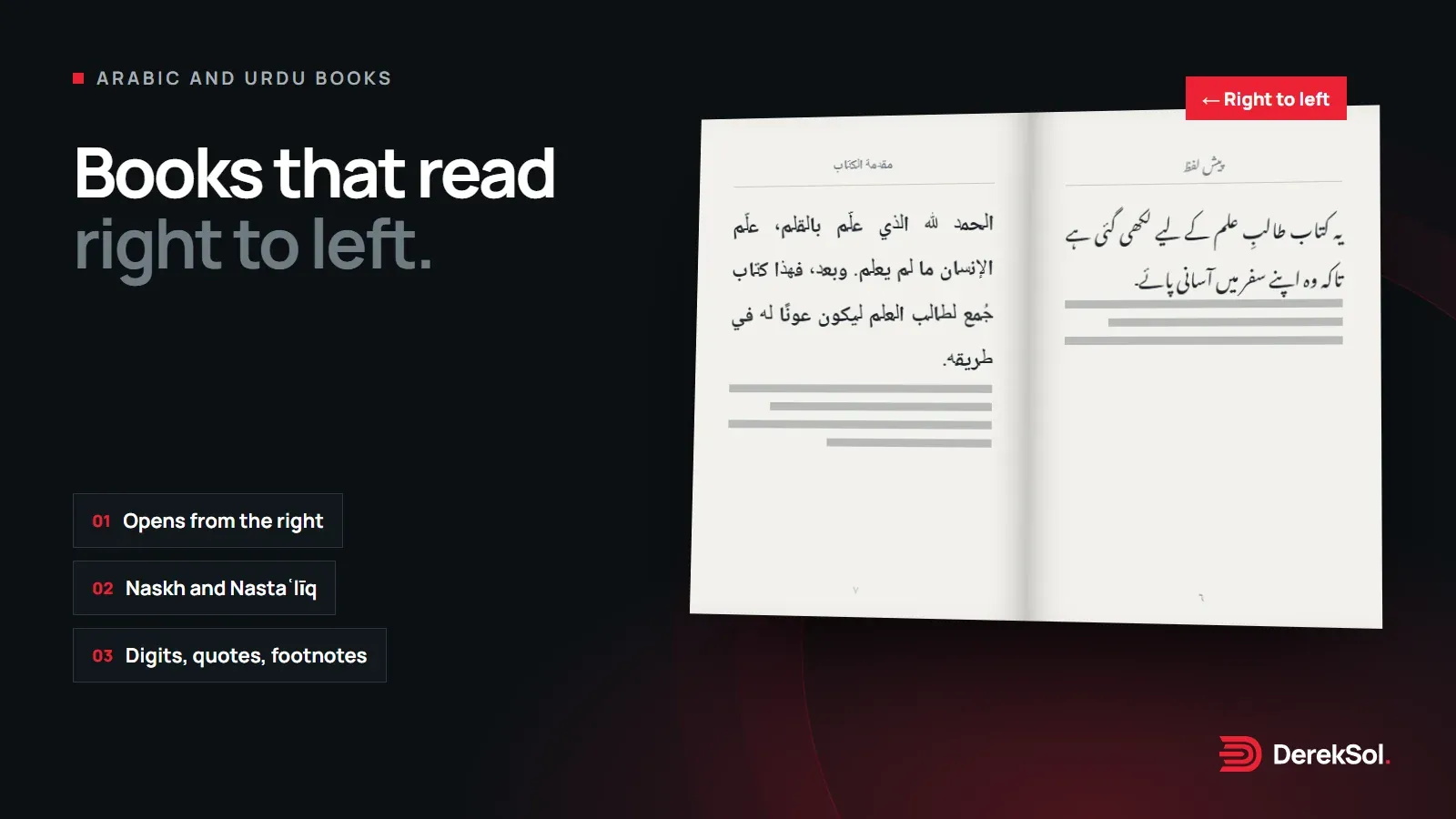
Most of what makes a good book is the same in every language: a finished text, a clear page, careful proofs. A book that reads right to left adds its own set of decisions, and some software handles them less well than English. This guide covers what changes, so you can plan for it. For the general steps, see How to prepare a book for print.
The book opens from the right
An Arabic or Urdu book is bound on the right. The reader opens it from what an English reader would call the back, and page 1 sits on the left-hand side of the first spread. That changes a few things:
- Spreads: odd pages fall on the left and even pages on the right.
- Margins: the wider inside margin is on the right of a left page and the left of a right page, the mirror of an English book.
- Cover: the front cover is on the right, and the spine text usually reads from top to bottom.
Tell your printer the book is right-to-left when you send the files, so the cover and binding are set up the right way round.
Typefaces for Arabic and Urdu
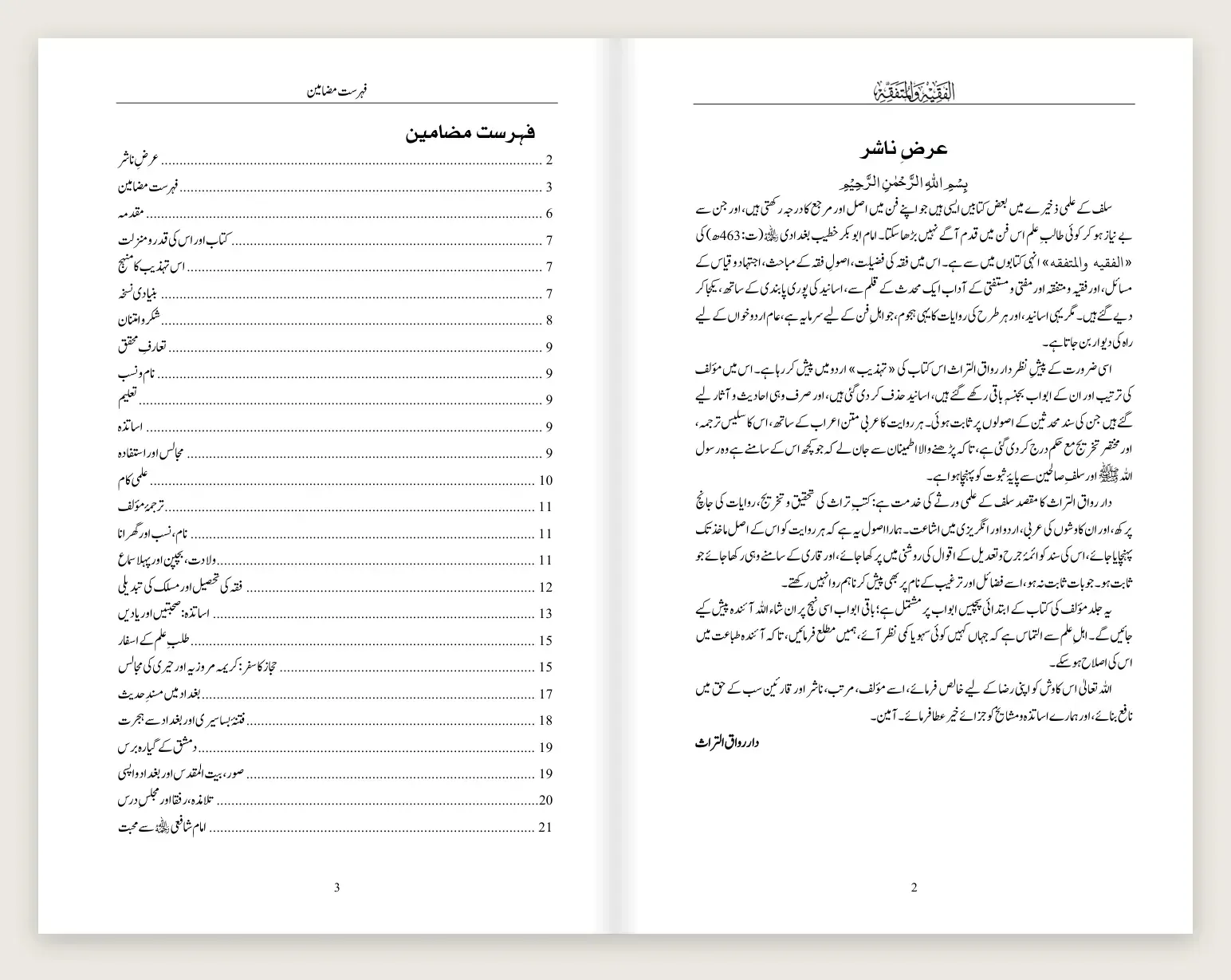
Arabic and Urdu share an alphabet but are traditionally written in different styles. Arabic books are usually set in naskh, a clear, upright style. Urdu readers generally expect Nastaʿlīq, which slopes and stacks letters. Using an Arabic naskh for Urdu is readable, but it can feel foreign to Urdu readers.
Three practical points:
- Letters: Urdu uses letters Arabic does not, such as ٹ، ڈ، ڑ، ں and ے. Make sure your font has them all, and that it treats Urdu ک and ی as Urdu letters, not Arabic ك and ي.
- Line spacing: Nastaʿlīq and fully vowelled Arabic need more line spacing than English. Fixed spacing that is too tight clips the marks above and below the line.
- Licence: the fonts above are free for print and ebook use.
Digits and punctuation
Before setting the book, decide on a few conventions and use them throughout:
| Choice | Options |
|---|---|
| Digits | Western (1, 2, 3) or Eastern Arabic (١، ٢، ٣); Urdu books often use Urdu-style forms (۱، ۲، ۳) |
| Quotation marks | Guillemets « » are common in Arabic; Urdu books often use “ ” |
| Comma and question mark | The Arabic forms ، and ؟, not the English , and ? |
Some software switches digit styles on its own for page numbers and footnote numbers. Check them in the final PDF, not only on screen.
English inside Arabic text
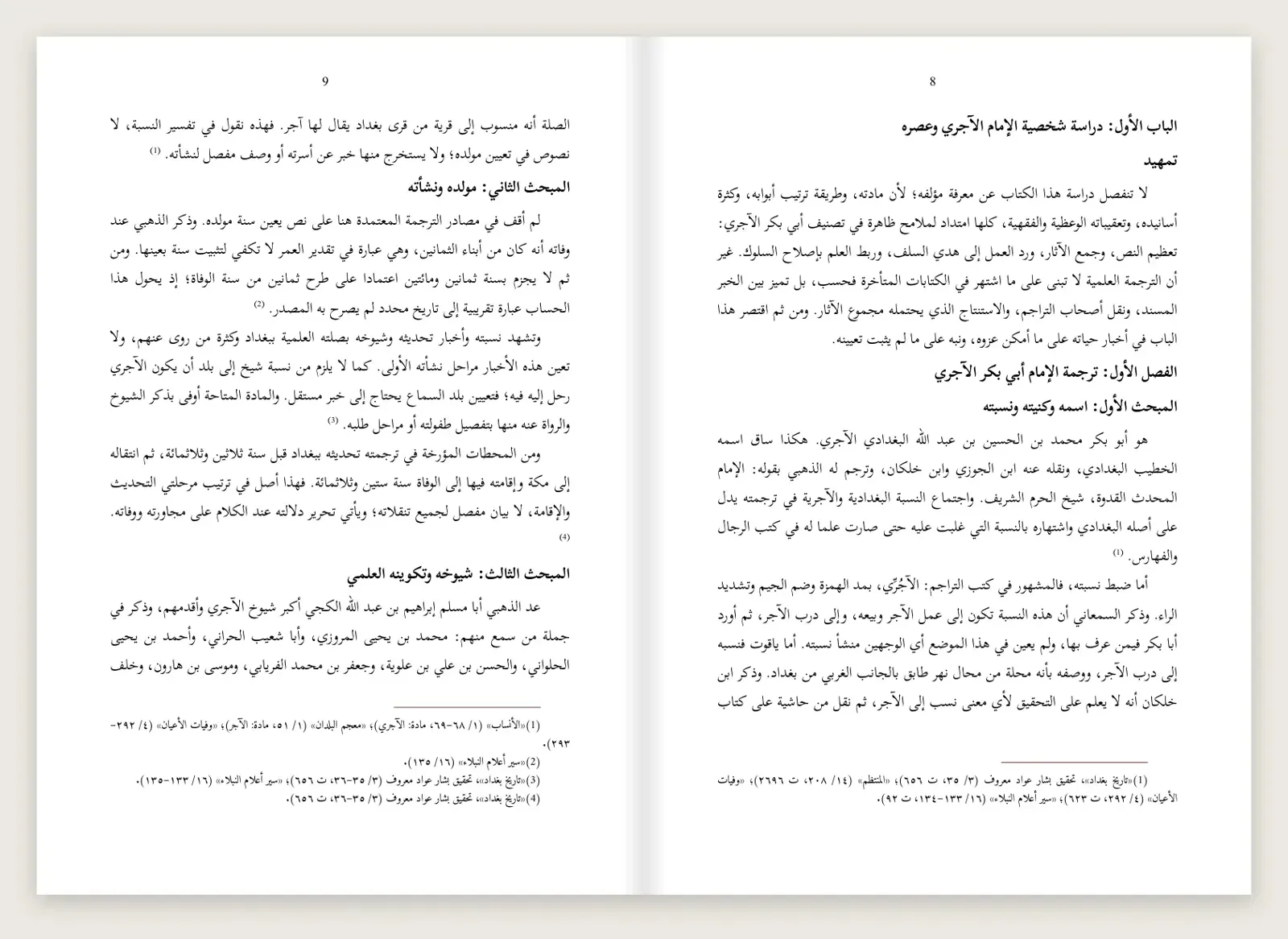
Arabic and Urdu books often include English words, dates or references. Short runs of English inside a right-to-left paragraph can jump to the wrong place or reverse their punctuation. A few habits help:
- keep English in its own short phrase rather than mid-word;
- mark the language of each paragraph correctly, so the software knows which direction is the base;
- check brackets and full stops around English words, as these are what most often appear on the wrong side.
Set up the document for right-to-left
In Word, the settings that matter are the paragraph direction (right-to-left), the document language (Arabic or Urdu), and the page setup with mirrored margins. Build the book with paragraph styles that already include the direction and the font, so every new paragraph starts correctly.
Do it yourself if the book is mostly running text in one language and you are comfortable with styles and right-to-left settings in Word.
Bring in a typesetter if the book mixes Arabic, Urdu and English, has many footnotes or tables, or needs to match the look of established publishers.
PDFs and proofs
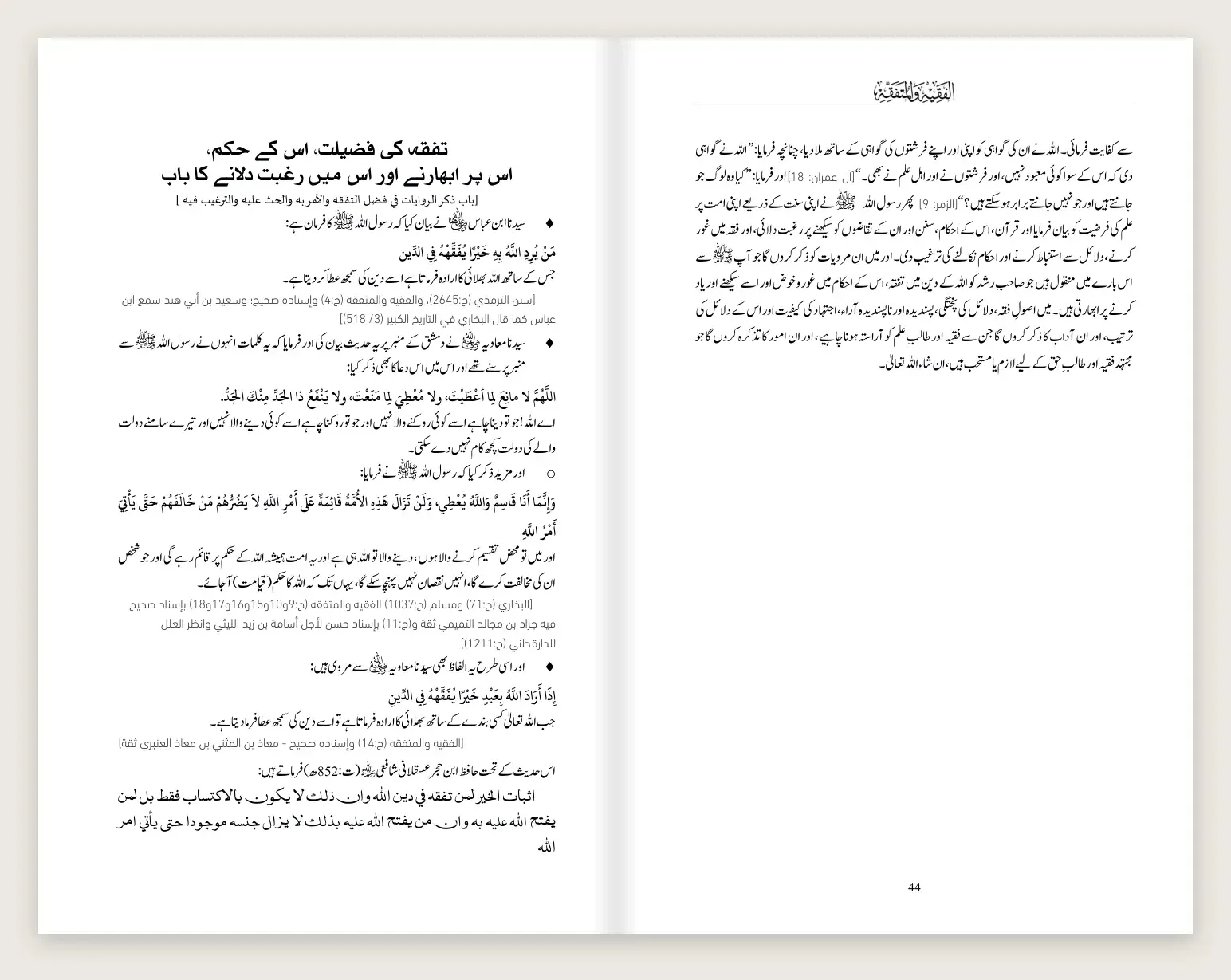
Right-to-left text is where export tools most often go wrong, so check the PDF closely:
- Fonts embedded: open the PDF on another computer; if letters change shape, a font was not embedded.
- Joined letters: Arabic and Urdu letters should join correctly; broken joins usually mean a font or export problem.
- Numbers and marks: page numbers, footnote numbers and digits in the style you chose.
- Page order: page 1 on the left of the first spread, and the cover the right way round.
How we approach it
We set one chapter first as a sample, in the typefaces and conventions agreed with the author or publisher, then apply the same design to the whole book. The finished book comes as a print PDF, an ebook PDF and the editable Word file, with styles named so the publisher can keep working on it. This is simply how we work; the checklist below applies however you produce your book.
| Before you send the book to print | Done |
|---|---|
| Printer told the book is right-to-left | ☐ |
| Naskh or Nastaʿlīq chosen, with every letter you need | ☐ |
| Digits, quotation marks and punctuation decided and applied | ☐ |
| English words and references checked inside Arabic or Urdu text | ☐ |
| Paragraph styles set to right-to-left with mirrored margins | ☐ |
| PDF checked for fonts, joins, numbers and page order | ☐ |
More in this series: Preparing a book for print · Preparing an Islamic book in English · Preparing an Arabic or Urdu Islamic book