How to prepare a book for print: a practical guide for authors
From finished manuscript to printer-ready files: trim size, typefaces, Word styles, front matter, proofs and the files a printer and an ebook store expect.
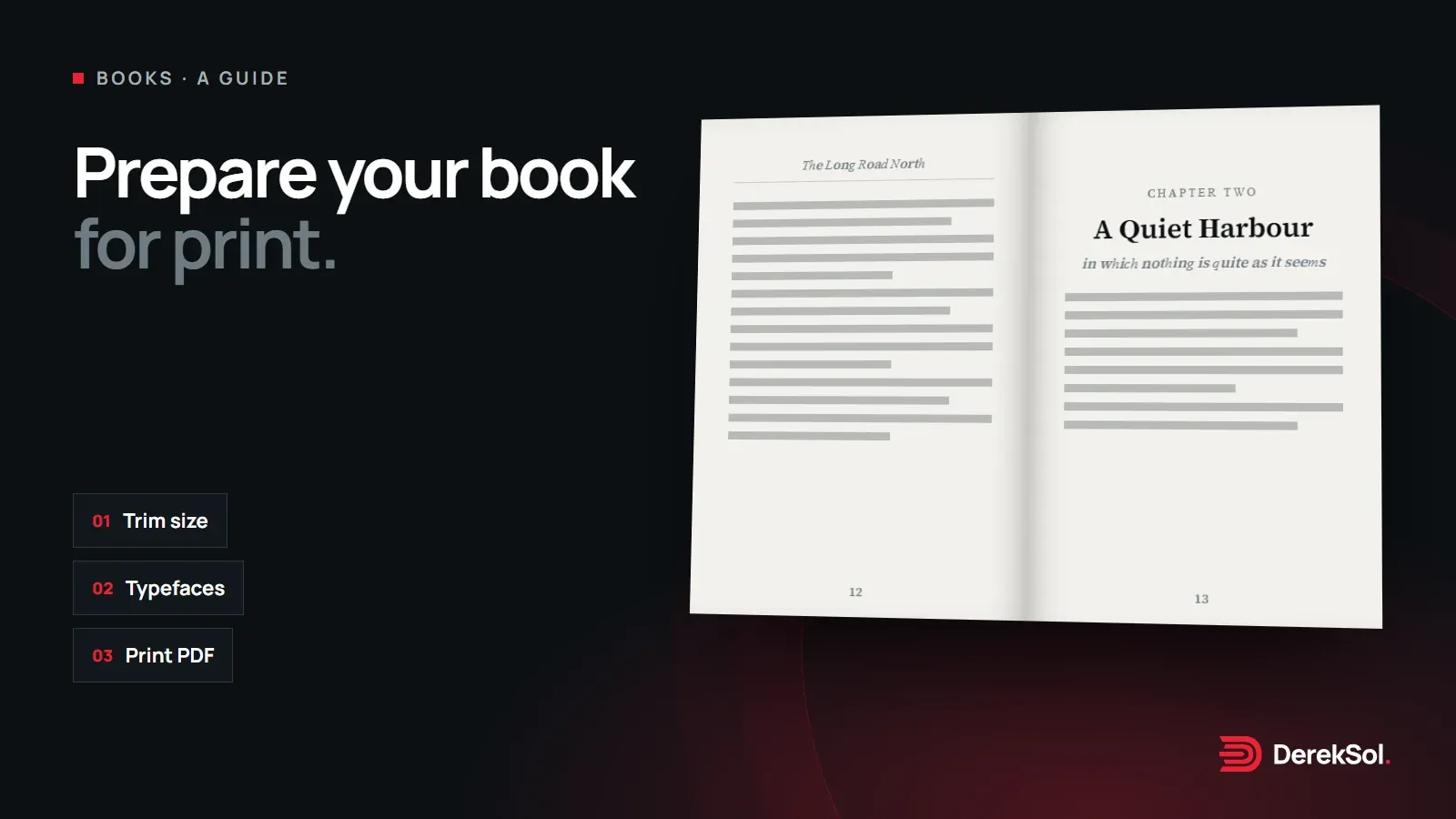
A manuscript and a printed book are not the same thing. The words can be finished long before the pages are. This guide walks through what happens between the two, so you can do it yourself or know what to ask for if you hire someone. Nothing here is the only right way; where there are choices, we set them out.
Start with a finished manuscript
Layout is easiest when the text has stopped moving. Every change after the pages are set can push a heading onto a new page or leave a single line stranded at the top of the next one. Before you think about design:
- finish the structural edit (chapters in the right order, nothing missing);
- finish the copy-edit (spelling, punctuation, consistency of names and terms);
- collect every image, table and caption, with permission to use them.
A short style sheet helps: a list of the spellings, capitalisation and number styles you chose. It saves arguments with yourself later, and anyone who works on the book after you can follow it.
Choose the trim size
The trim size is the size of the finished page. It affects almost everything else: how long a line can be, what size the text can be, and how many pages the book will have. Common choices for non-fiction include:
| Trim size | Often used for |
|---|---|
| 13 × 20 cm (about 5 × 8 in) | Novels and short non-fiction |
| 14 × 21.6 cm (5.5 × 8.5 in) | General non-fiction, memoir |
| 15.2 × 22.9 cm (6 × 9 in) | Longer non-fiction, academic and reference books |
Check what your printer or print-on-demand service offers before deciding. A size they don’t stock costs more or simply isn’t available.
Pick typefaces for reading
Book text is read for hours, so the typeface matters more than in almost anything else you design. Most books use a serif face for the body text. These two are free for commercial use and well suited to long reading:
A few points that make the biggest difference:
- Size and spacing: body text is usually set between 10 and 12 point, with line spacing about 1.3 to 1.5 times the text size.
- Line length: roughly 55 to 75 characters per line reads comfortably.
- Few typefaces: one for the text and, at most, one for headings is plenty.
- Licence: make sure the font licence allows print and ebook use. Open-licence fonts such as the two above do.
Build the book with styles
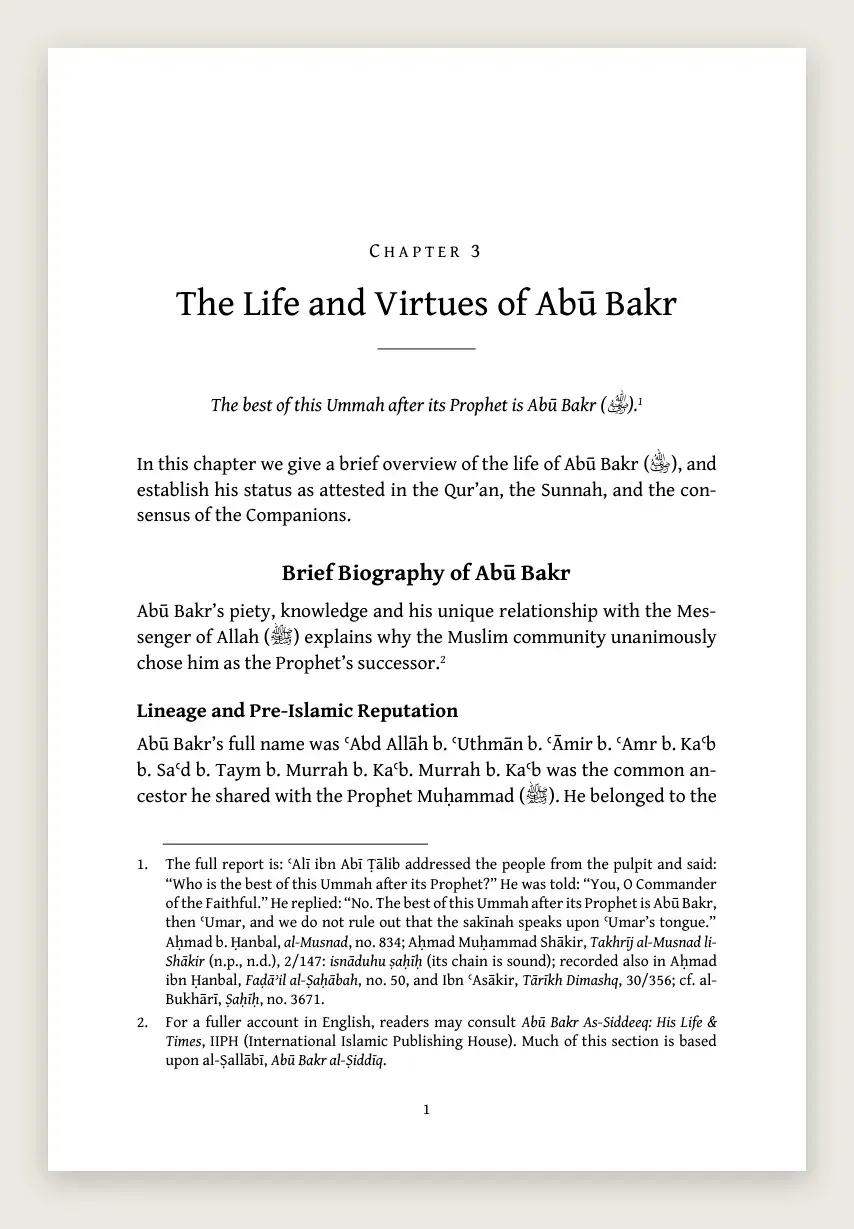
Whether you use Word, InDesign or another tool, build the book with paragraph styles, not by formatting each paragraph by hand. A style for body text, one for each heading level, one for quotations and one for captions means you can change the whole book in one place.
Do it yourself if the book is mostly text, you are comfortable with styles in Word, and a clean, simple layout is enough.
Bring in a designer if the book has many images, tables, footnotes or several languages, or you want it to sit beside books from established publishers.
Footnotes deserve care. Use your software’s real footnote feature, not superscript numbers typed by hand, so the numbers and notes move together when pages change.
Front and back matter
Readers expect certain pages, in a certain order. Not every book needs all of them, but most have:
- Front: half-title, title page, copyright page (with ISBN if you have one), contents, and optionally a foreword, preface or acknowledgements.
- Back: notes or bibliography, an index if the book will be used for reference, and an about-the-author page.
The copyright page is also where you note the edition, the year and any permissions. If you plan to sell through bookshops, you will usually need an ISBN; how you get one depends on your country.
Proofs and printer files
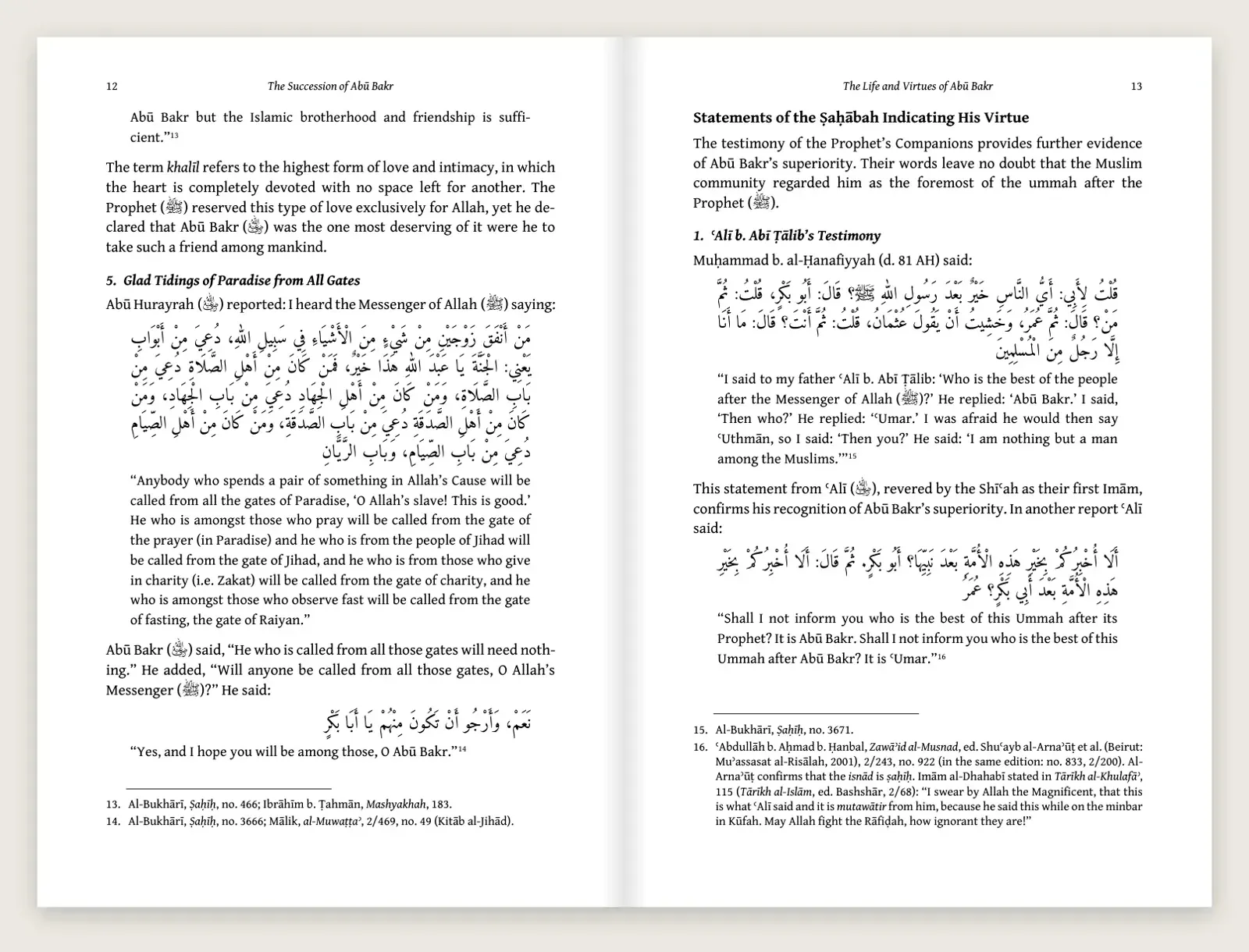
Before printing a full run, check a proof: a PDF first, then ideally one printed copy. Read it for widows and orphans (single lines stranded at the top or bottom of a page), headings at the bottom of a page, and images that have lost quality.
Most printers want:
- Inside pages: one PDF at the exact trim size, with fonts embedded and any bleed they ask for.
- Cover: a separate file, sized for the spine width of your final page count.
- Ebook: a separate PDF or EPUB set up for screens, without bleed or crop marks.
Keep the editable file and the fonts. For a reprint or a correction, you will want to change the book, not rebuild it from a PDF.
How we approach it
When we set a book, we start with one sample chapter: headings, body text, a quotation, notes and a page break. Once the author is happy with it, the same design is applied to every chapter, and the author receives a print PDF, an ebook PDF and the editable Word file. It is one way of working among several; what matters most is agreeing the design on a small part of the book before doing all of it.
| Before you send the book to print | Done |
|---|---|
| Text finished and copy-edited | ☐ |
| Trim size confirmed with the printer | ☐ |
| Typefaces chosen and licensed for print and ebook | ☐ |
| Whole book built with paragraph styles and real footnotes | ☐ |
| Front and back matter in place | ☐ |
| Proof checked for stray lines, headings and images | ☐ |
| Print PDF, cover file, ebook file and editable file ready | ☐ |
More in this series: Preparing an Islamic book in English · Preparing an Arabic or Urdu book · Preparing an Arabic or Urdu Islamic book