CMS or LMS: which one does your organisation need?
The difference between a content management system and a learning management system, in plain language, with questions to help you decide which to build or buy.
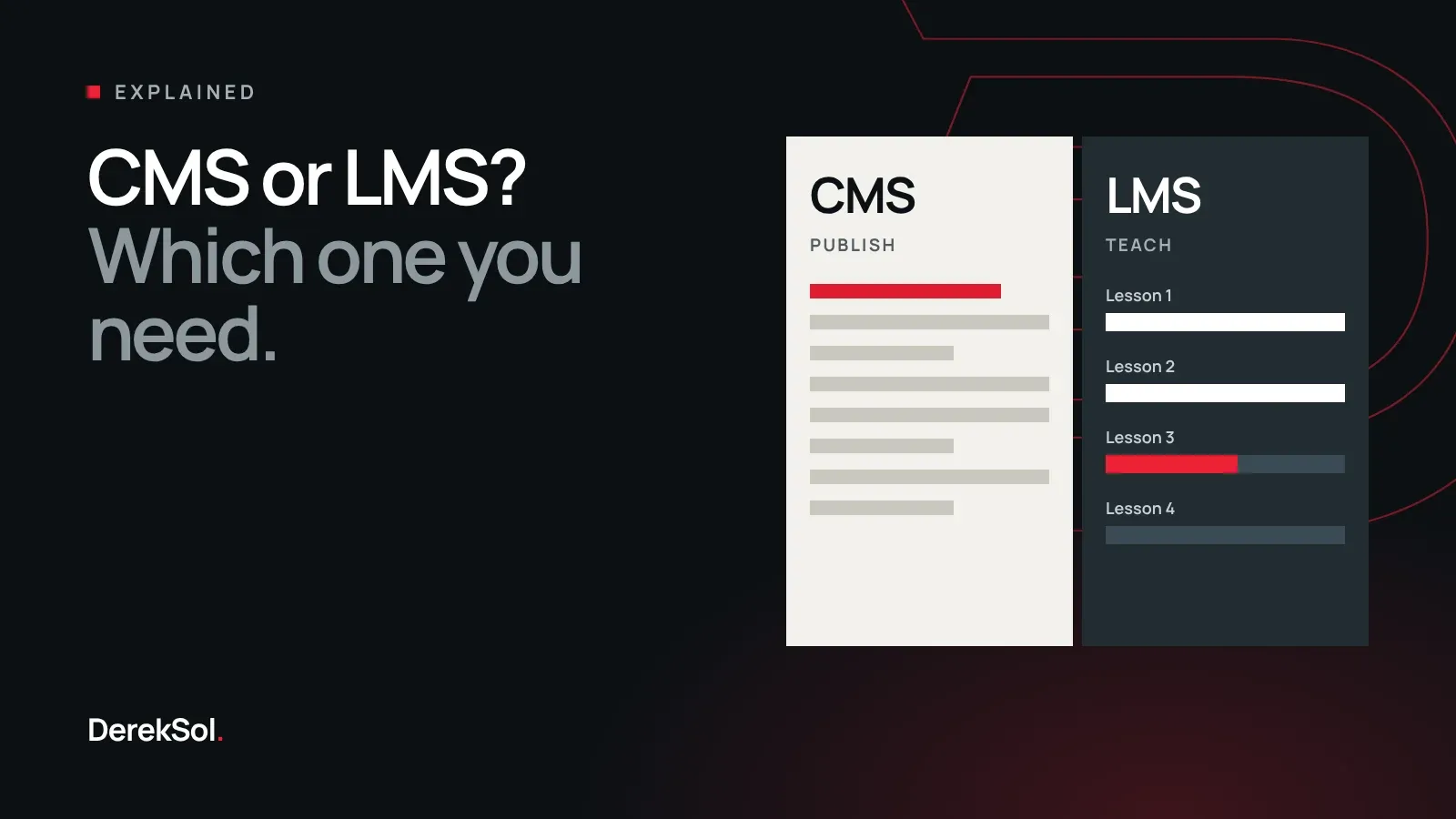
The two abbreviations are often used as if they meant the same thing. They do not, and choosing the wrong one costs months. This guide explains the difference in plain language and gives you questions to decide which one your organisation needs.
The one-sentence difference
A content management system (CMS) is for publishing: it lets your staff write, review and publish articles, pages and media for anyone to read.
A learning management system (LMS) is for teaching: it puts learners into courses, tracks what each one has completed and keeps a record of the result.
A CMS cares about the content. An LMS cares about the learner.
What each one does
| CMS | LMS | |
|---|---|---|
| Main job | Publish content | Deliver courses |
| Who uses it | Writers, editors, readers | Teachers, learners, administrators |
| What it stores | Articles, pages, images, recordings | Courses, lessons, enrolments, results |
| What it tracks | What was published and by whom | Who completed what, and when |
| Typical output | A website or app that people read | A course, a progress record, a certificate |
| Access | Usually public | Usually by login |
The question that decides it
Ask this: do we need to know who completed what?
If the answer is no, and your aim is for people to find and read your material, you need a CMS. A learning platform would add logins and enrolment screens that get in your readers’ way.
If the answer is yes, because you issue certificates, report to parents, or must show an inspector that staff have been trained, you need LMS features. A CMS alone will leave you keeping the real records in a spreadsheet.
Signs you need a CMS
- You publish articles, answers, lessons or announcements every week.
- More than one person writes, and someone must approve before publishing.
- Staff currently send content to a developer, or to one person who “knows the website”.
- Your content is in more than one language, or reads right to left.
For Markaz Ibn e Masood Al-Islami, an Islamic education institute, the need was publishing: a large amount of Urdu material with Arabic passages, prepared by staff who are scholars, not technicians. We built an Urdu-first publishing system with an admin panel in their own language, so the people who know the content can publish it themselves.
Signs you need an LMS
- You run courses with a start, an end and a list of students.
- Teachers mark attendance, set tests or review recitation.
- Learners or parents ask “how far along am I?”
- You issue certificates, or need proof of completed training.
- Different groups should see different courses.
When you need both
Many organisations do. A madrassah publishes articles and lectures for the public and also runs classes with enrolled students. A company publishes help articles for customers and trains its own staff. A training provider markets its courses on a public website and delivers them behind a login.
In these cases the two can be one system with two sides: a public side for publishing and a private side for learning, sharing the same lessons, the same teachers and the same login. That avoids entering every recording twice.
Buy or build?
Ready-made products exist for both, and for many organisations they are the right choice. Buy when your needs are ordinary and the product already works in your language.
Building makes sense when one of these is true:
- The product does not support your language or script properly.
- Your workflow has steps the product cannot model, such as a review by a scholar before anything is published.
- The price grows with every user, and you have many users who each do very little.
- You must keep the data yourself.
A fair supplier will tell you when an existing product is good enough. We do, because a custom system that copies a product you could have rented is money wasted.
Questions to ask before you commit
- Who will use it every day, and in which language?
- What must it record, and who needs to see those records?
- What does it cost to run each month, in hosting and licences?
- Who owns the data, and can you export all of it?
- What happens if the supplier stops supporting it?
Get the answers in writing. They matter more than any feature list.
The short version
If you publish, you need a CMS. If you teach and must keep records, you need an LMS. If you do both, build or buy one system that does both, and decide on the evidence of how your people work, not on the abbreviation.