11 free tools to check your website’s speed, search, accessibility and security
The free website checkers we use on every project: speed, Google and Bing, structured data, accessibility, HTTPS and security headers. What each one tells you.
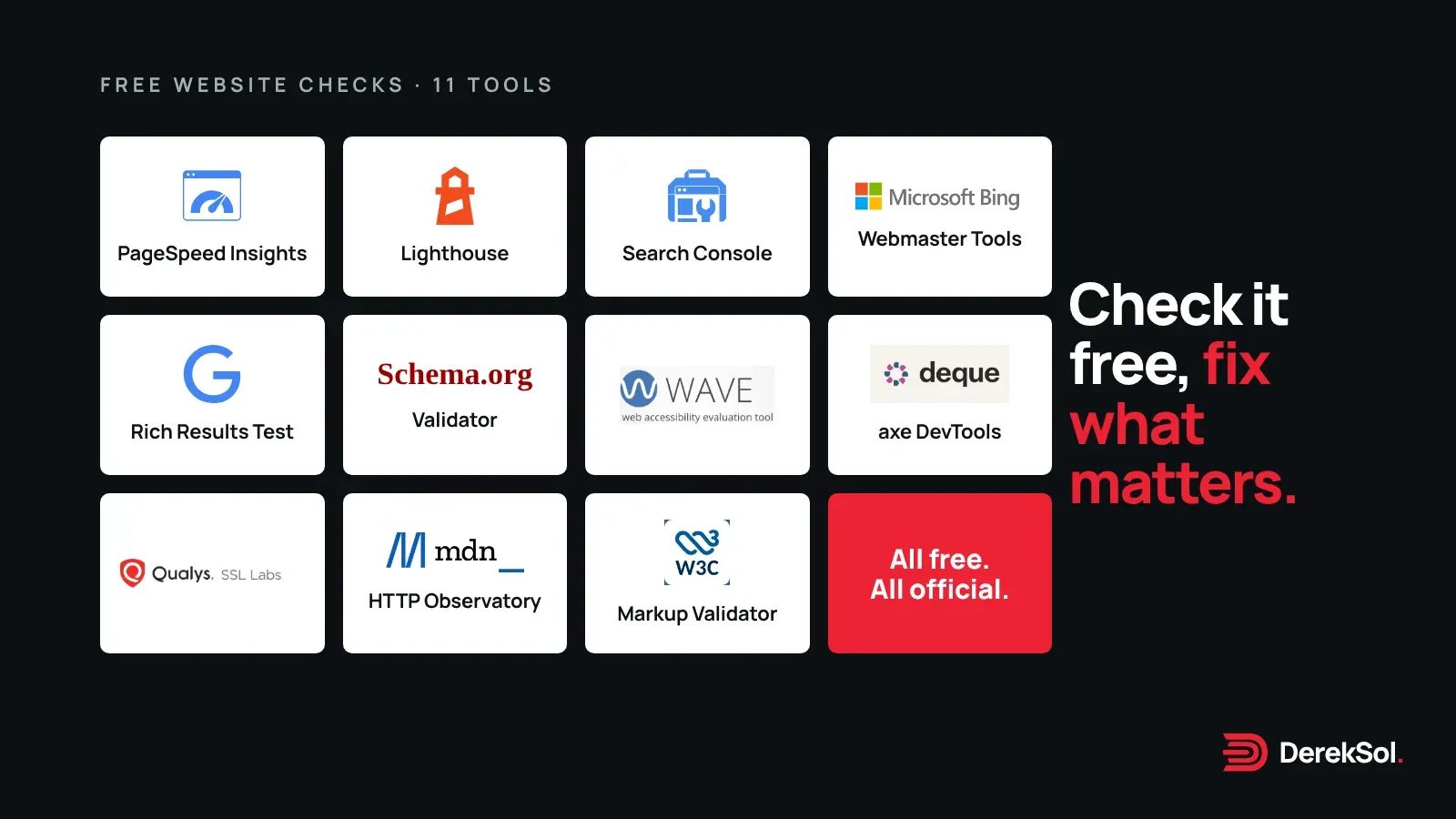
You don’t need a paid audit to find out what’s wrong with a website. The tools below are the ones we open on every project, and every one of them is free to use. Most come from the organisation that sets the standard being checked, which is a good reason to trust them over a third-party “SEO score”.
Each entry says what the tool checks, what it’s best for, and one thing to watch for. Facts come from each tool’s own page, read on 10 November 2026.
The list at a glance
| Tool | Checks | Made by |
|---|---|---|
| PageSpeed Insights | Speed, with real-visitor data | |
| Lighthouse | Speed, accessibility, best practice, SEO | Google (open source) |
| Search Console | How Google indexes and shows your site | |
| Bing Webmaster Tools | How Bing indexes and shows your site | Microsoft |
| Rich Results Test | Structured data for Google | |
| Schema Markup Validator | All Schema.org markup | Schema.org |
| WAVE | Accessibility | WebAIM |
| axe DevTools (free extension) | Accessibility | Deque |
| SSL Server Test | HTTPS setup | Qualys SSL Labs |
| HTTP Observatory | Security headers | Mozilla (MDN) |
| Markup Validation Service | HTML errors | W3C |
Speed
1. Google PageSpeed Insights
Paste in an address and PageSpeed Insights gives you two kinds of result. The lab data is a Lighthouse test run in a simulated environment; the field data comes from the Chrome User Experience Report, which measures what real Chrome users experienced over the previous 28 days.1
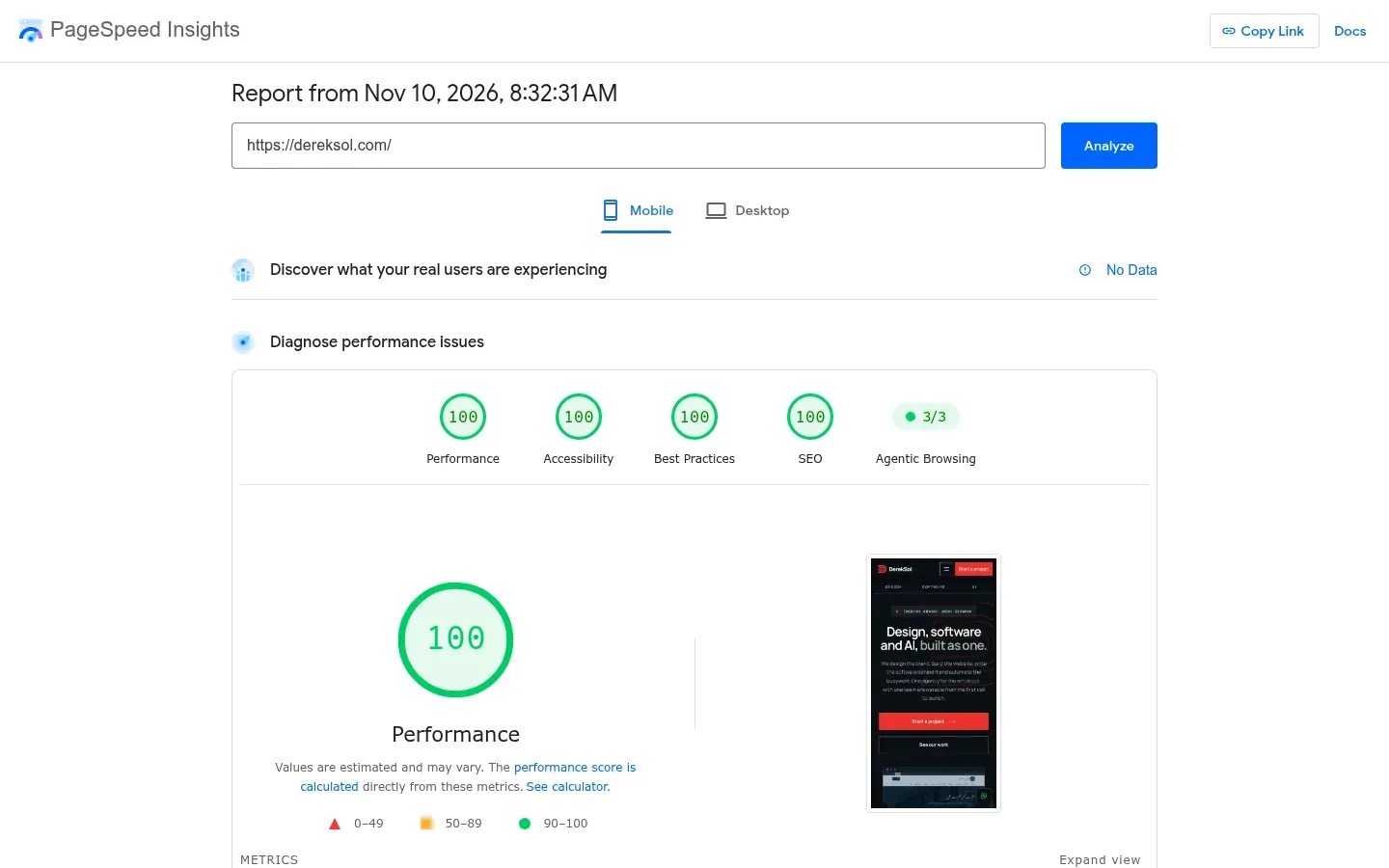
The field data is the part that matters most, because it is what Google’s Core Web Vitals are based on. A page passes when the 75th percentile of all three vitals is “Good”: Largest Contentful Paint within 2.5 seconds, Interaction to Next Paint within 200 milliseconds, and Cumulative Layout Shift of 0.1 or less.1
Watch for: small sites often have no field data at all. That isn’t an error; it means Chrome hasn’t collected enough visits, and PageSpeed Insights may fall back to data for your whole domain.1
2. Lighthouse in Chrome
Lighthouse is the open-source engine behind PageSpeed Insights, and it is built into Chrome. Open DevTools, choose the Lighthouse tab and run an audit; it scores performance, accessibility, best practices and SEO.2
Best for: pages PageSpeed Insights can’t reach, such as a site that isn’t live yet or a page behind a login, because the DevTools version can test local and signed-in pages.2
Watch for: scores move from run to run and depend on your own computer. Run it two or three times before you act on a number.
Search
3. Google Search Console
Search Console is a free service from Google.3 It shows which searches bring people to your site, which pages Google has indexed and why others weren’t, and lets you submit a sitemap. Its URL Inspection tool shows how Google crawled, indexed and serves any single page.4
Best for: answering “why isn’t my site on Google?”. If a page isn’t indexed, Search Console usually tells you the reason.
4. Bing Webmaster Tools
Bing’s equivalent, with free reports and tools for your site’s search performance.5 You don’t have to verify your site from scratch: you can import sites you’ve already verified in Google Search Console, up to 100 at a time, and they are verified automatically.6
Worth knowing: Bing supports IndexNow, a free, open protocol that tells search engines the moment a page is added, changed or removed.7 We send IndexNow pings after every release of this site.
5. Rich Results Test
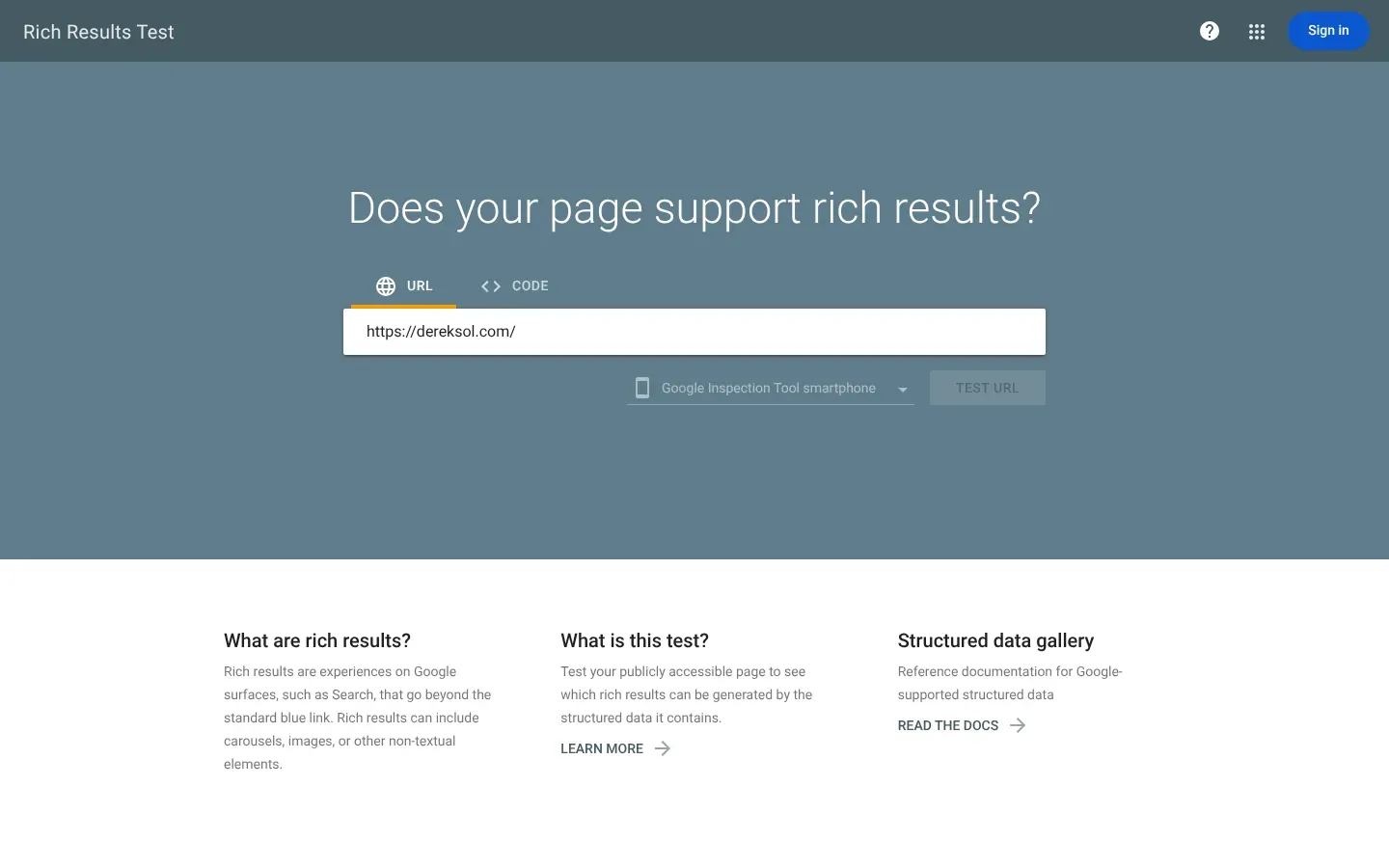
Structured data is code that tells search engines what a page is about: an organisation, an article, a product, a question and answer. Google recommends the Rich Results Test as the place to start: it shows which Google rich results your page can produce and previews how they might look.8
6. Schema Markup Validator
Google’s Rich Results Test only reports on markup Google uses. For a check of all Schema.org markup, without Google-specific warnings, Google points to the Schema Markup Validator, which replaced its old Structured Data Testing Tool in December 2020.8
Accessibility
7. WAVE
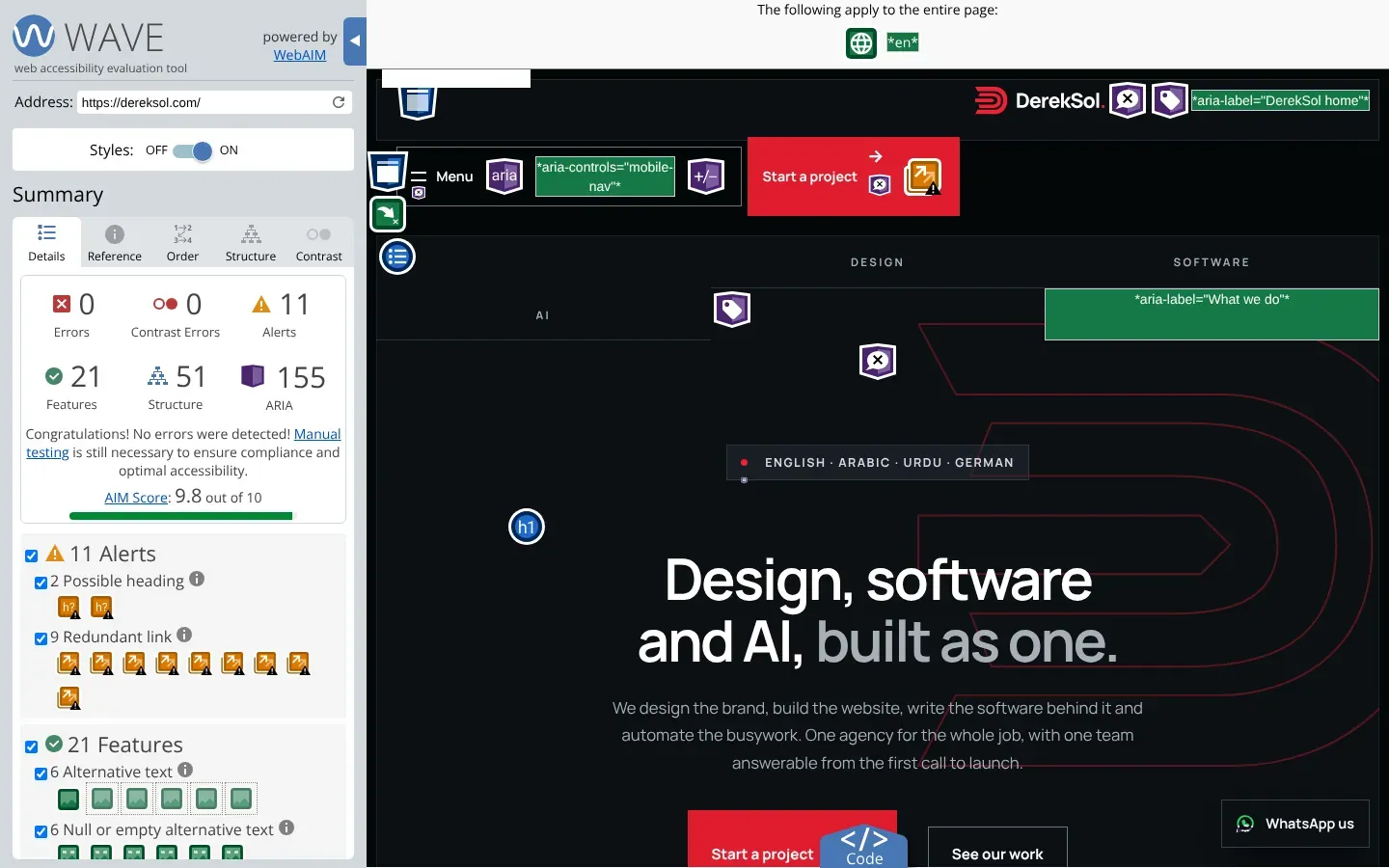
WAVE, from WebAIM at Utah State University, highlights accessibility problems directly on your page and can identify many WCAG errors. Use it online by entering an address, or as an extension for Chrome, Firefox and Edge for pages behind a login.9
8. axe DevTools (free extension)
Deque’s free browser extension runs automated accessibility scans and lists each issue by severity, with guidance on how to fix it. It is available for Chrome, Firefox and Edge; the paid Pro version adds guided tests and saved reports.10
Watch for: automated tools catch a lot, but not everything. After they’re clean, try your page with only a keyboard (Tab, Shift+Tab, Enter) and with a screen reader such as NVDA or VoiceOver. If you can’t reach or understand something, neither can some of your visitors.
Security
9. Qualys SSL Labs Server Test
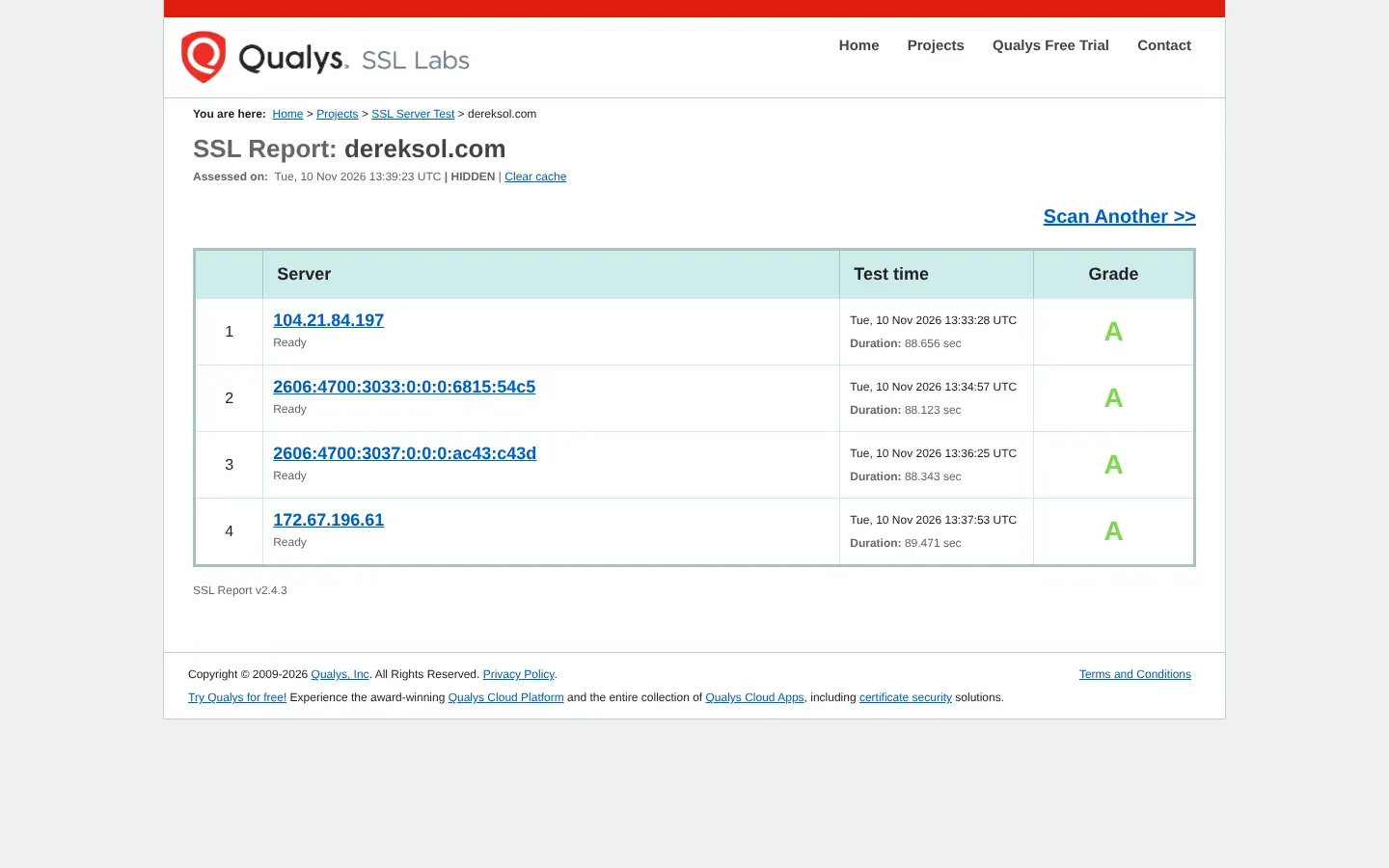
A free service that performs a deep analysis of how HTTPS is set up on any public web server, and gives it a grade.11 There is an option not to show your result on the public boards.11
10. Mozilla HTTP Observatory
Mozilla’s free scanner checks your site’s HTTP headers and related security settings, including Content Security Policy and HSTS, and gives detailed recommendations for fixing what it finds.12
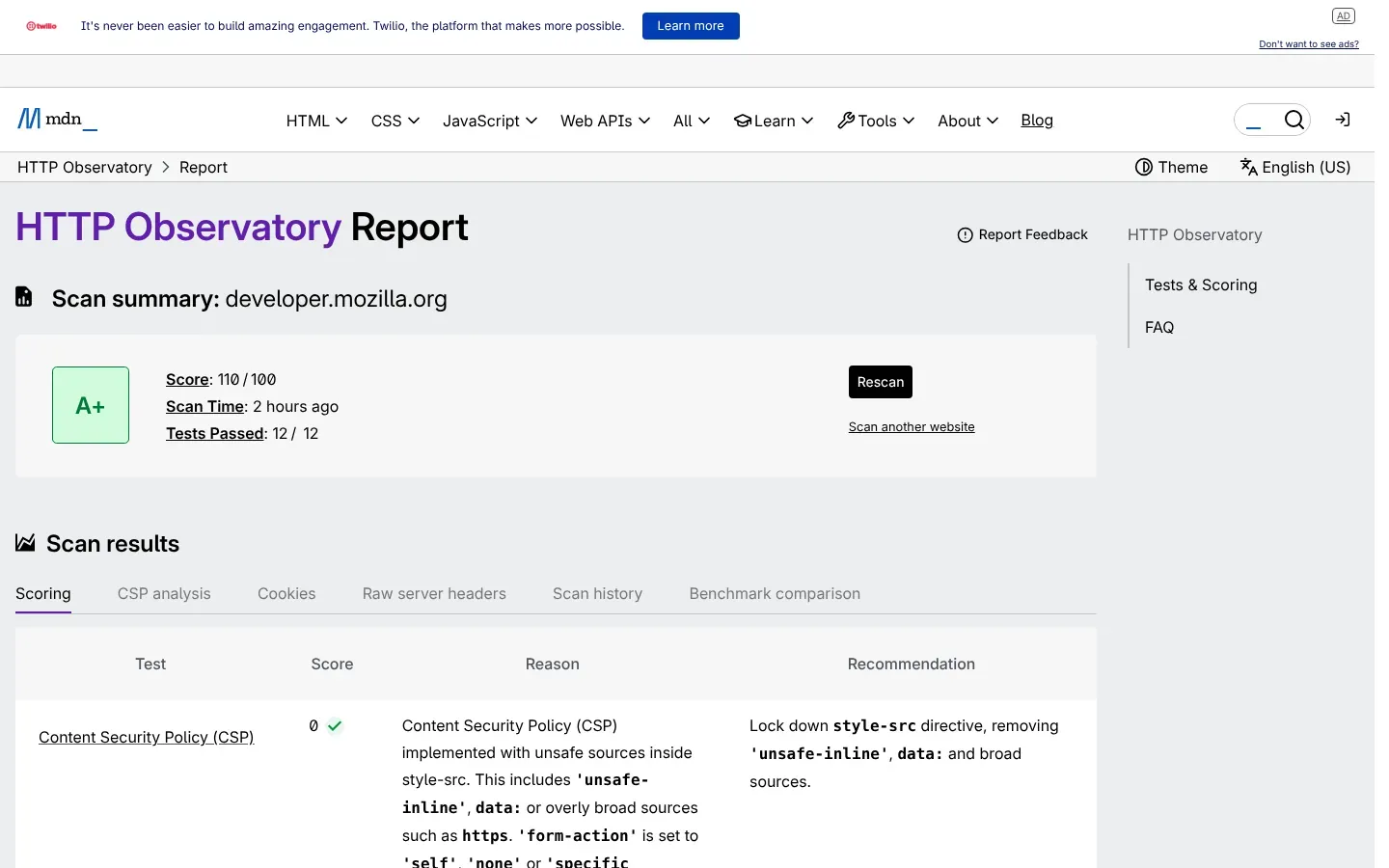
Watch for: a strict Content Security Policy can break analytics, chat widgets or embedded videos. Change it on a test copy of the site first.
Code
11. W3C Markup Validation Service
The W3C’s validator checks HTML and related formats for errors, by address, file upload or pasted code. It is open-source software from the organisation that writes the web’s standards.13
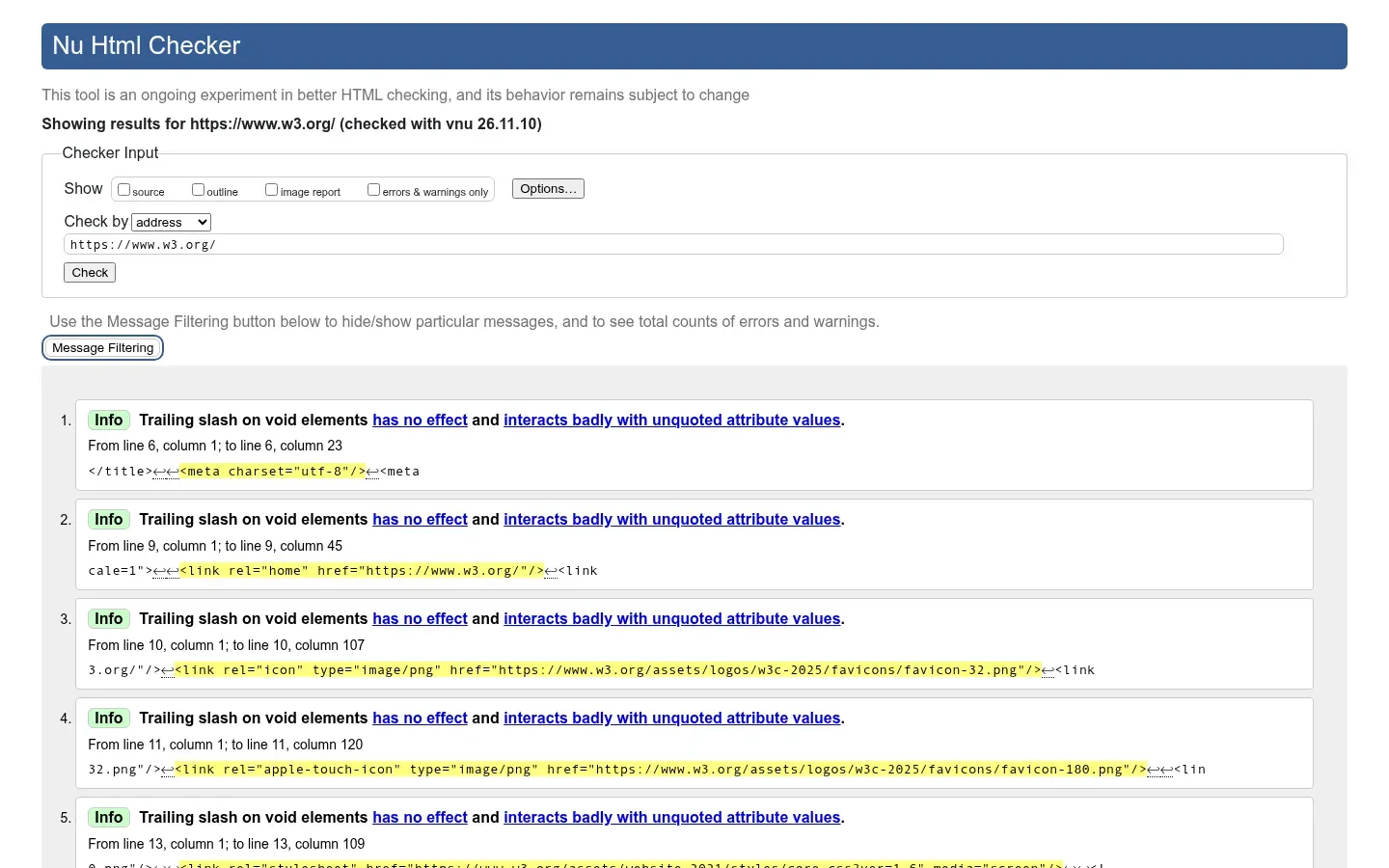
Watch for: not every warning matters, but broken nesting and duplicate IDs often explain odd layout or accessibility bugs.
The order we run them in
- PageSpeed Insights on the homepage and one important inner page, on mobile.
- Search Console for indexing problems.
- WAVE or axe on the same pages, then a keyboard test.
- SSL Labs and HTTP Observatory once, and again after any hosting change.
- Rich Results Test and the W3C validator on page templates, not every page.
That takes under an hour for a small site and gives you a short list of real problems, which is more useful than a single score.
What we could not verify
We didn’t compare these tools against each other or against paid audit products, and we make no claim about which finds the most issues. Feature details change; check each tool’s page before you rely on one.
All product names are trademarks of their owners. DerekSol is not affiliated with, or paid by, any of them.
References
Footnotes
-
Google for Developers. About PageSpeed Insights. Read 10 November 2026. ↩ ↩2 ↩3
-
Chrome for Developers. Introduction to Lighthouse. Read 10 November 2026. ↩ ↩2
-
Google Search Central Help. Search Console beginner’s guide. Read 10 November 2026. ↩
-
Google. About Search Console. Read 10 November 2026. ↩
-
Microsoft Bing. Bing Webmaster Tools. Read 10 November 2026. ↩
-
Bing Webmaster Blog. Easily verify your site in Bing Webmaster Tools by importing from Google Search Console, September 2019. Read 10 November 2026. ↩
-
Google Search Central. Introduction to structured data markup in Google Search. Read 10 November 2026. ↩ ↩2
-
WebAIM. WAVE Web Accessibility Evaluation Tools. Read 10 November 2026. ↩
-
Deque. axe DevTools browser extension. Read 10 November 2026. ↩
-
Qualys SSL Labs. SSL Server Test. Read 10 November 2026. ↩ ↩2
-
MDN Web Docs. HTTP Observatory. Read 10 November 2026. ↩
-
W3C. Markup Validation Service. Read 10 November 2026. ↩