8 free stock photo sites for business use, and the licence rules that catch people out
Free photo libraries for websites and social posts, with what each licence actually allows: commercial use, credit, logos, people and selling prints.
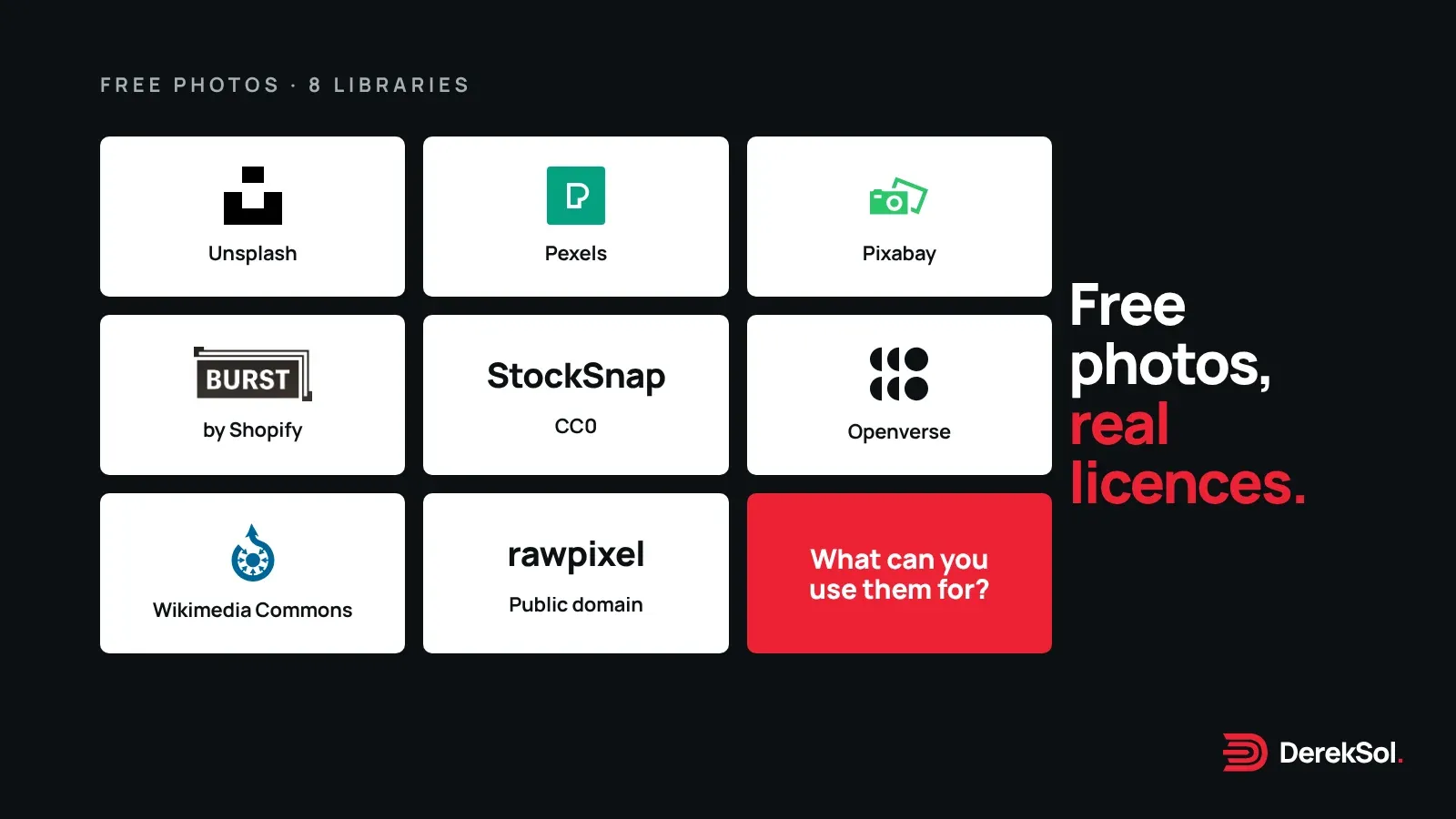
Every small business website needs pictures, and most can’t commission a photographer for every page. Free stock libraries fill the gap. The catch is that “free” means different things on different sites, and the differences matter once a photo is on a page that sells something.
We read each site’s licence on 10 November 2026. Below is what each one allows, in plain words, and what it doesn’t. This is a practical summary, not legal advice: the licence on the site is what counts.
At a glance
| Site | Licence | Credit needed? | Main limits |
|---|---|---|---|
| Unsplash | Unsplash License | No | Can’t compile images into a competing service |
| Pexels | Pexels License | No | No unaltered resale, no bad light on people, no use in a trademark |
| Pixabay | Pixabay Content License | No | No standalone resale, care with logos and people |
| Burst (Shopify) | Burst licence | No | Can’t sell the photos in any form |
| StockSnap | CC0 | No | Don’t imply endorsement |
| Rawpixel public domain | CC0 | No | Collection only; other Rawpixel images differ |
| Openverse | Varies by work | Often | Licences aren’t verified by Openverse |
| Wikimedia Commons | Varies by file | Often | Check each file’s licence |
The libraries
1. Unsplash
You can use Unsplash images for commercial and non-commercial purposes, and you don’t need to credit the photographer or Unsplash, though credit is appreciated.1 The licence doesn’t let you compile Unsplash images to build a similar or competing service.1 Images marked Unsplash+ come under a separate paid licence, so check which one you’re downloading.
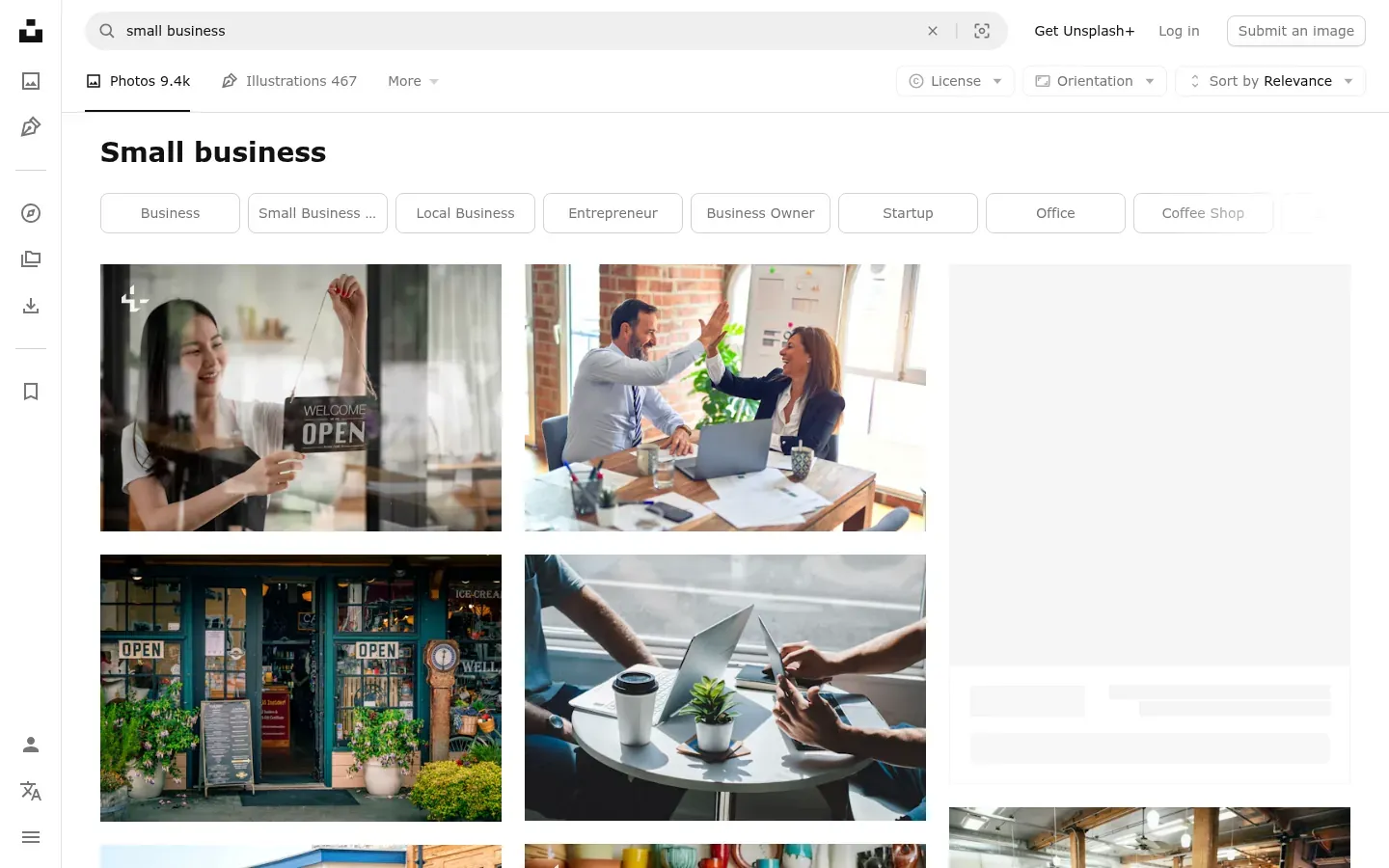
Best for: atmospheric, editorial-style photos for hero sections and blog covers.
2. Pexels
All photos and videos on Pexels are free to use, credit isn’t required, and you can modify them.2 The licence rules out:2
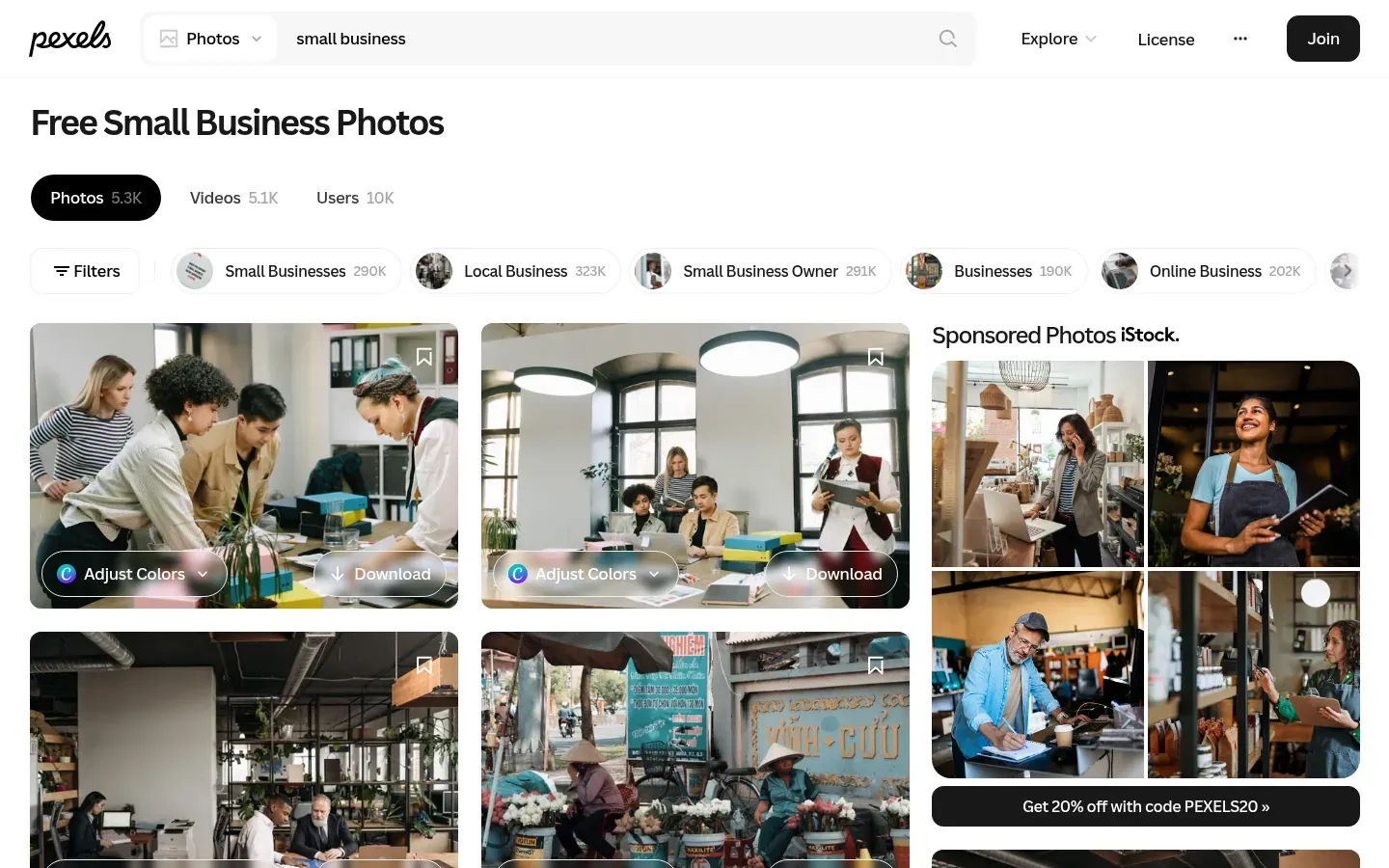
- showing identifiable people in a bad or offensive light;
- selling unaltered copies, such as prints or posters;
- implying that people or brands in the picture endorse your product;
- putting the files up on other stock or wallpaper sites;
- using them as part of a trademark or business name.
Best for: free video as well as photos.
3. Pixabay
Pixabay’s licence lets you use content for free, without attribution, and adapt it into new work.3 You can’t sell or distribute it on a standalone basis, in substantially the same form; use content with recognisable trademarks, logos or brands commercially; or use it as part of a trademark.3 Pixabay also says some content may carry third-party rights, such as privacy rights, and that checking is your responsibility.3
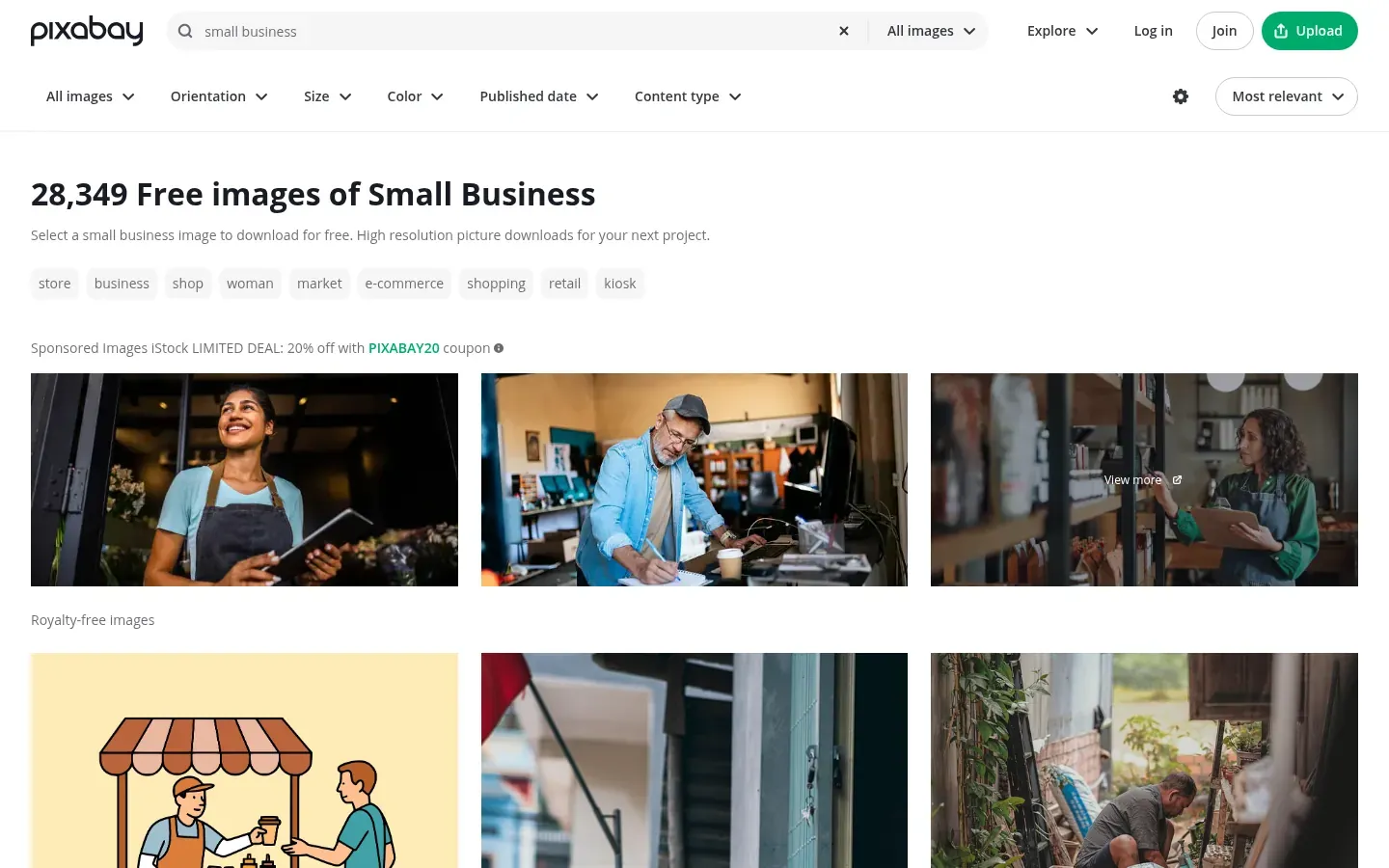
Best for: illustrations and vectors as well as photos.
4. Burst by Shopify
Shopify’s free library allows commercial and non-commercial use with no credit required.4 You may not sell the photos in any form, compile them into a competing service, or falsely claim you made them.4
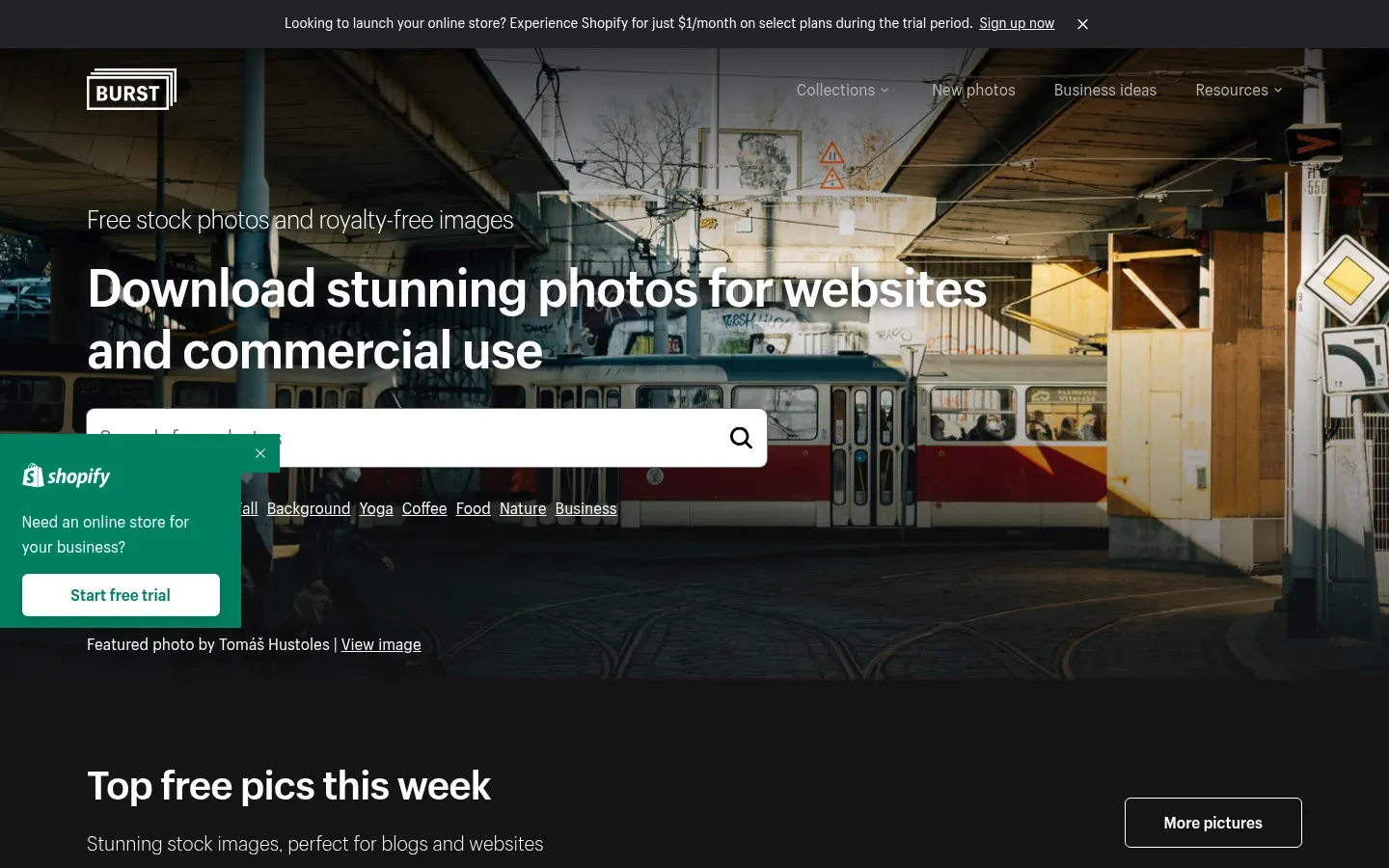
Best for: product-style and small-business scenes, which suit online shops.
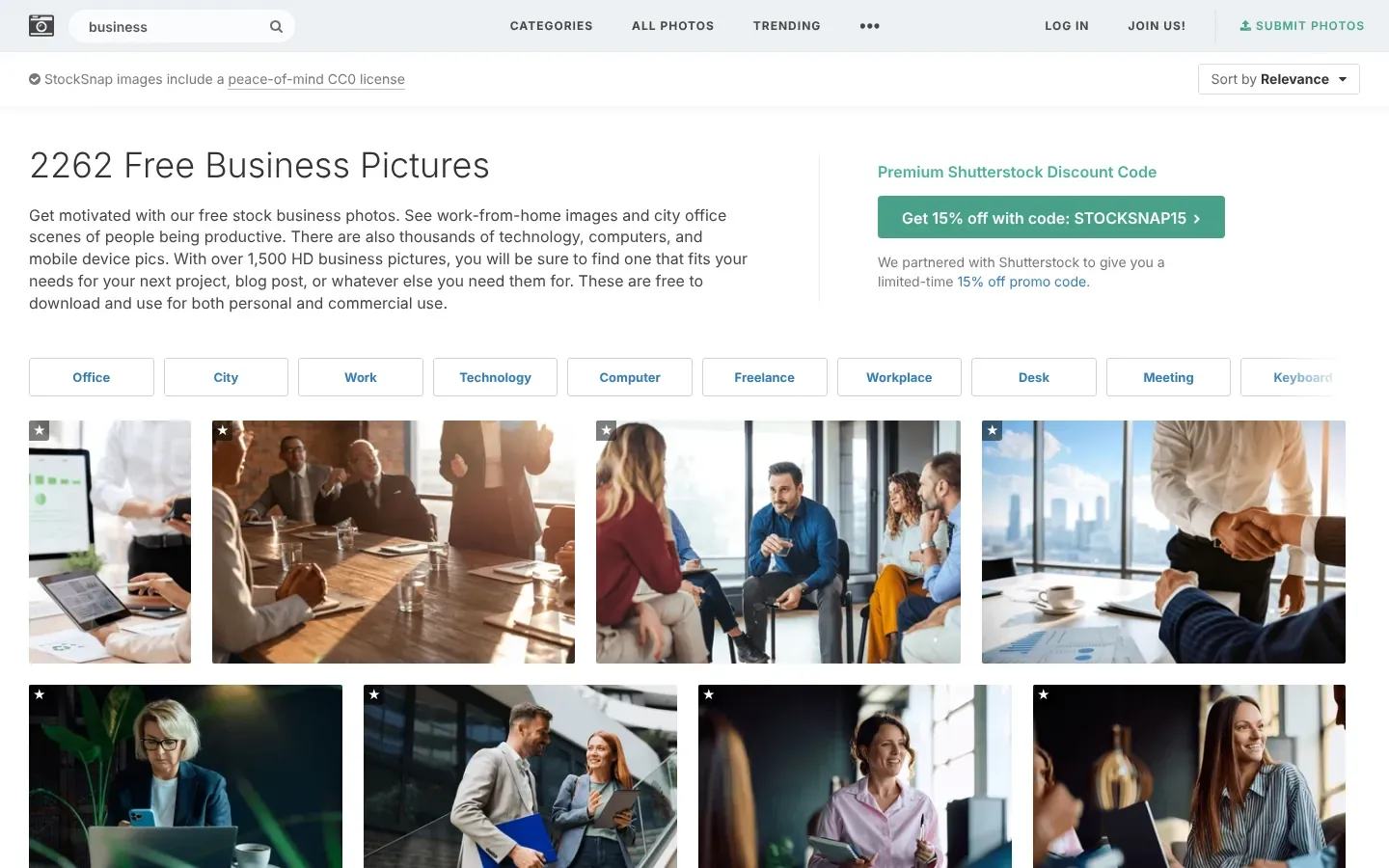
5. StockSnap
Every image on StockSnap is released under Creative Commons CC0, so you can copy, change and publish it, commercially too, without asking permission or giving credit.5 You still can’t imply that the photographer, or a person or product shown, endorses you.5
6. Rawpixel public domain collection
Rawpixel has a separate public-domain collection, including works from museums, offered under CC0.6 Most of Rawpixel’s other images come under different terms, so use this collection specifically when you want CC0.
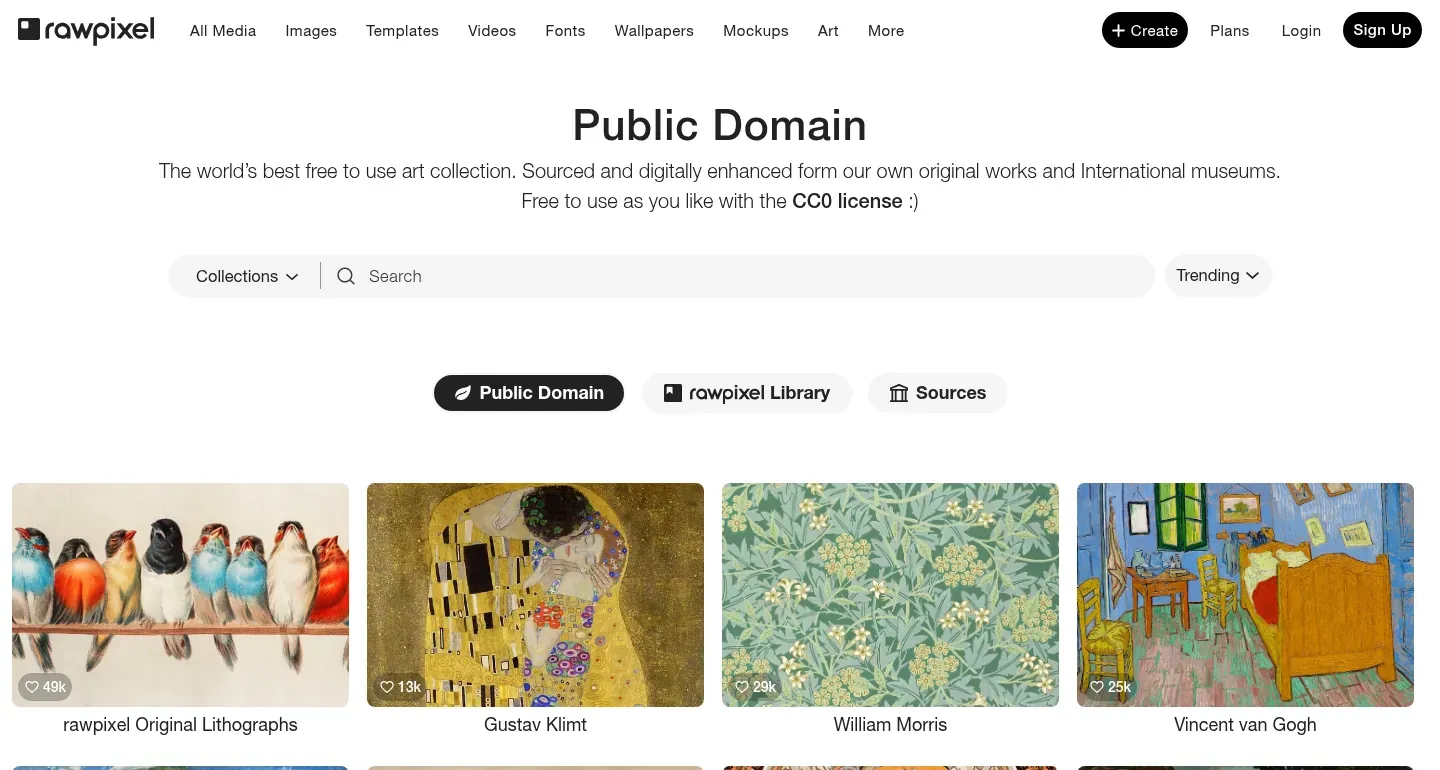
Best for: vintage illustrations, botanical prints and artwork textures.
7. Openverse
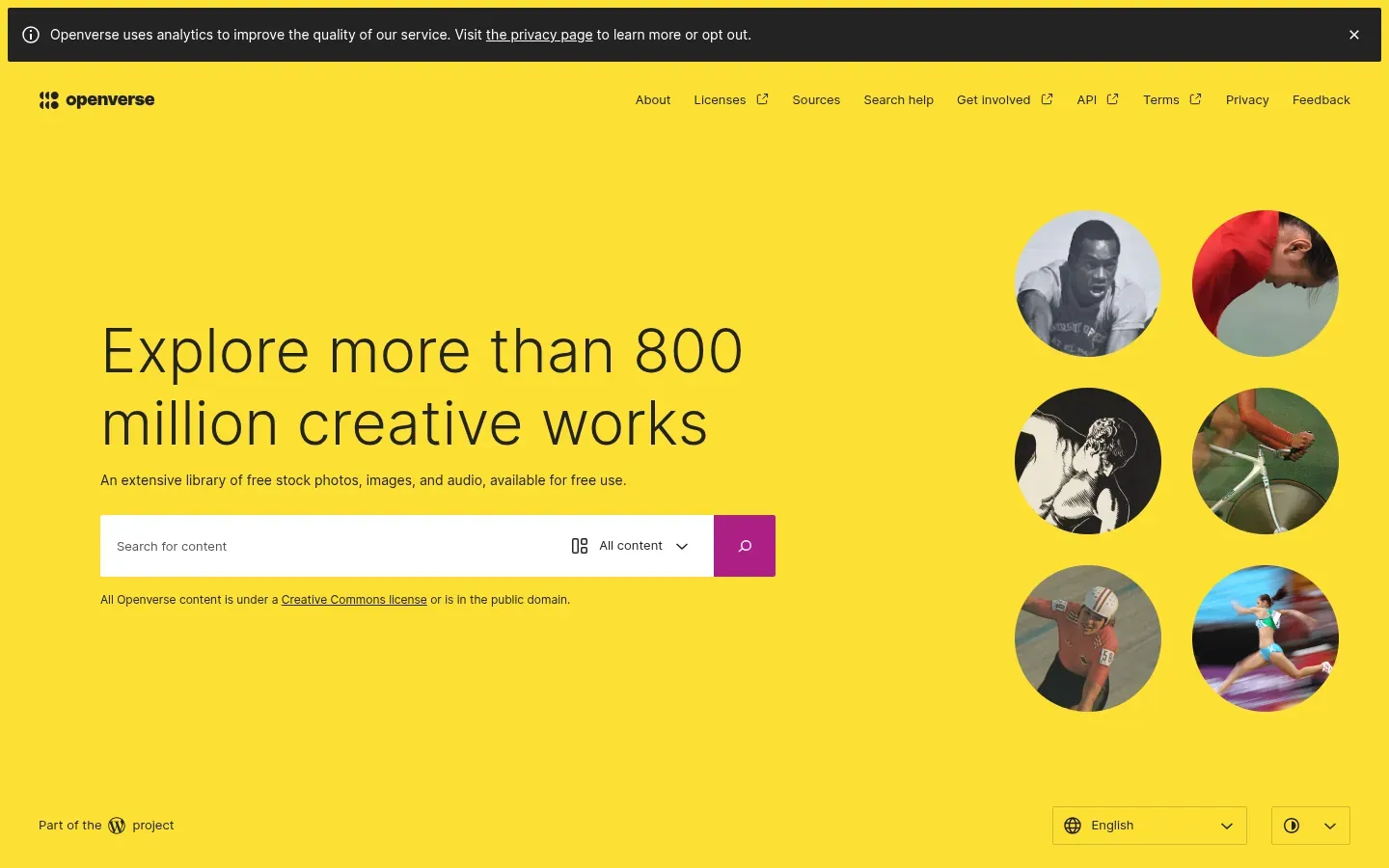
Openverse, which began as Creative Commons’ CC Search and moved to WordPress in 2021, searches over 700 million openly licensed and public-domain images and audio files.7 It is a search engine, not a library: it doesn’t verify the licence of each work, so check the source page before you use anything.7
8. Wikimedia Commons
Commons holds over 50 million freely usable media files.8 Each file has its own licence, often a Creative Commons licence that asks for credit and sometimes for share-alike, so read the licence box on the file’s page and copy the credit line it gives you.
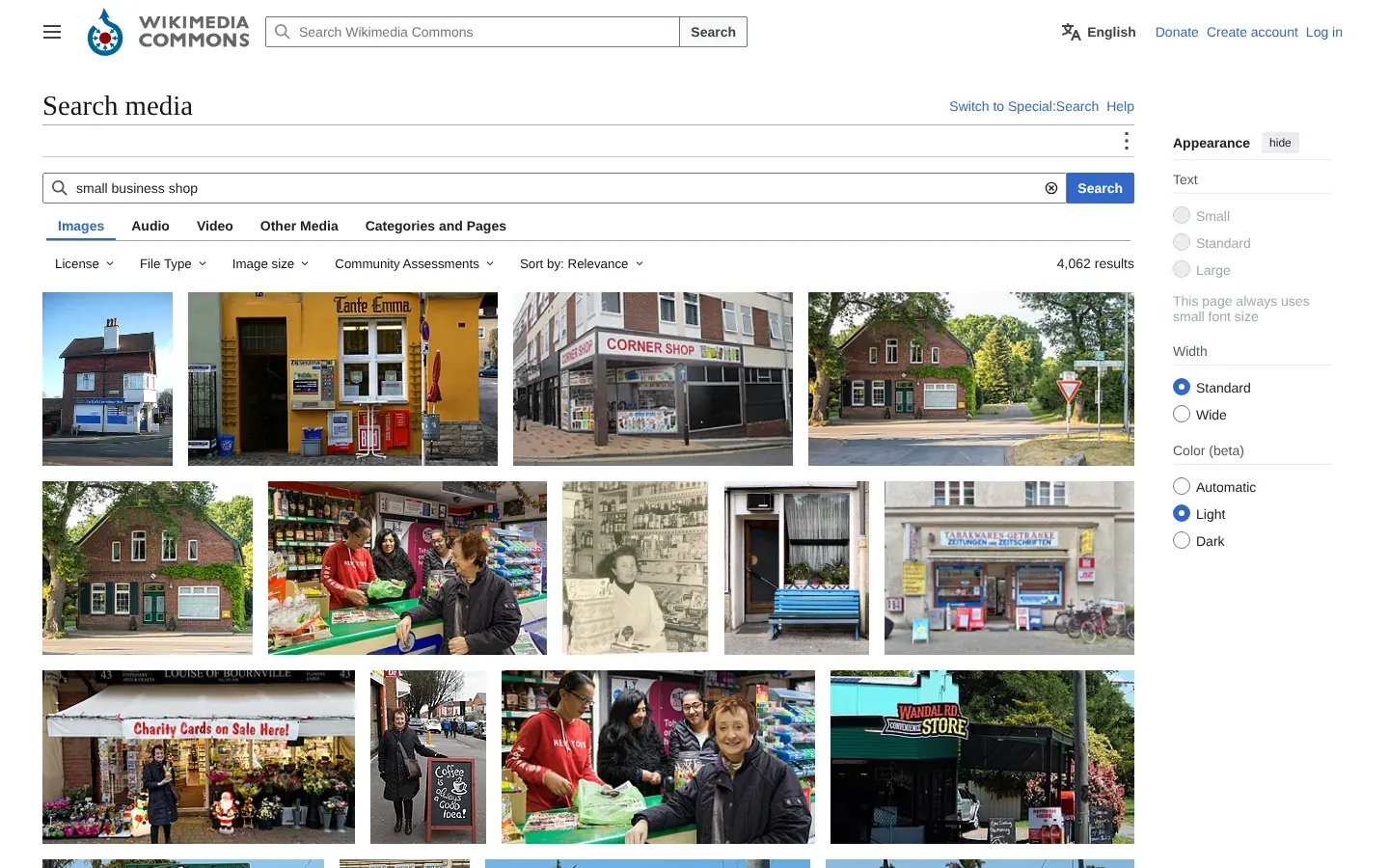
Best for: real places, buildings, historical images and maps that stock sites don’t cover.
Five rules that keep you out of trouble
- Save the source. Keep a simple list: image, page address, licence, date downloaded. If anyone asks, you can answer in a minute.
- Logos and products are separate rights. A free photo of a branded product doesn’t give you the right to use that brand in an advert.
- People have rights too. Avoid using a recognisable person in a way they wouldn’t expect, such as a testimonial, a health claim or a sensitive topic.
- Don’t pass stock off as your team or your work. Using a stock photo as “our staff” or “our project” misleads visitors, and some licences forbid implied endorsement anyway.
- Edit before you print. Several licences forbid selling unaltered copies, so a poster or a mug needs real creative work on top.
What we could not verify
We read the licence pages but didn’t check how each site vets uploads, and we don’t know how often their terms change. Rules differ by country. For anything high-stakes, such as packaging, national advertising or a book cover, ask a lawyer or buy a licence with indemnity.
All product names are trademarks of their owners. DerekSol is not affiliated with, or paid by, any of them.
References
Footnotes
-
Pixabay. Content License Summary. Read 10 November 2026. ↩ ↩2 ↩3
-
Shopify. Burst: Shopify some rights reserved licence. Read 10 November 2026. ↩ ↩2
-
Rawpixel. Public domain images. Read 10 November 2026. ↩
-
Openverse. About Openverse. Read 10 November 2026. ↩ ↩2
-
Wikimedia Commons. Main page. File count read 10 November 2026. ↩